Update Configurations from the UI
If you have the C3.AppAdmin role, you can update app configurations from the UI the same way you would from Static Console.
You can update configurations that depend on a Config. Other configurable entities, such as Genai.Prompt, are not available on this page.
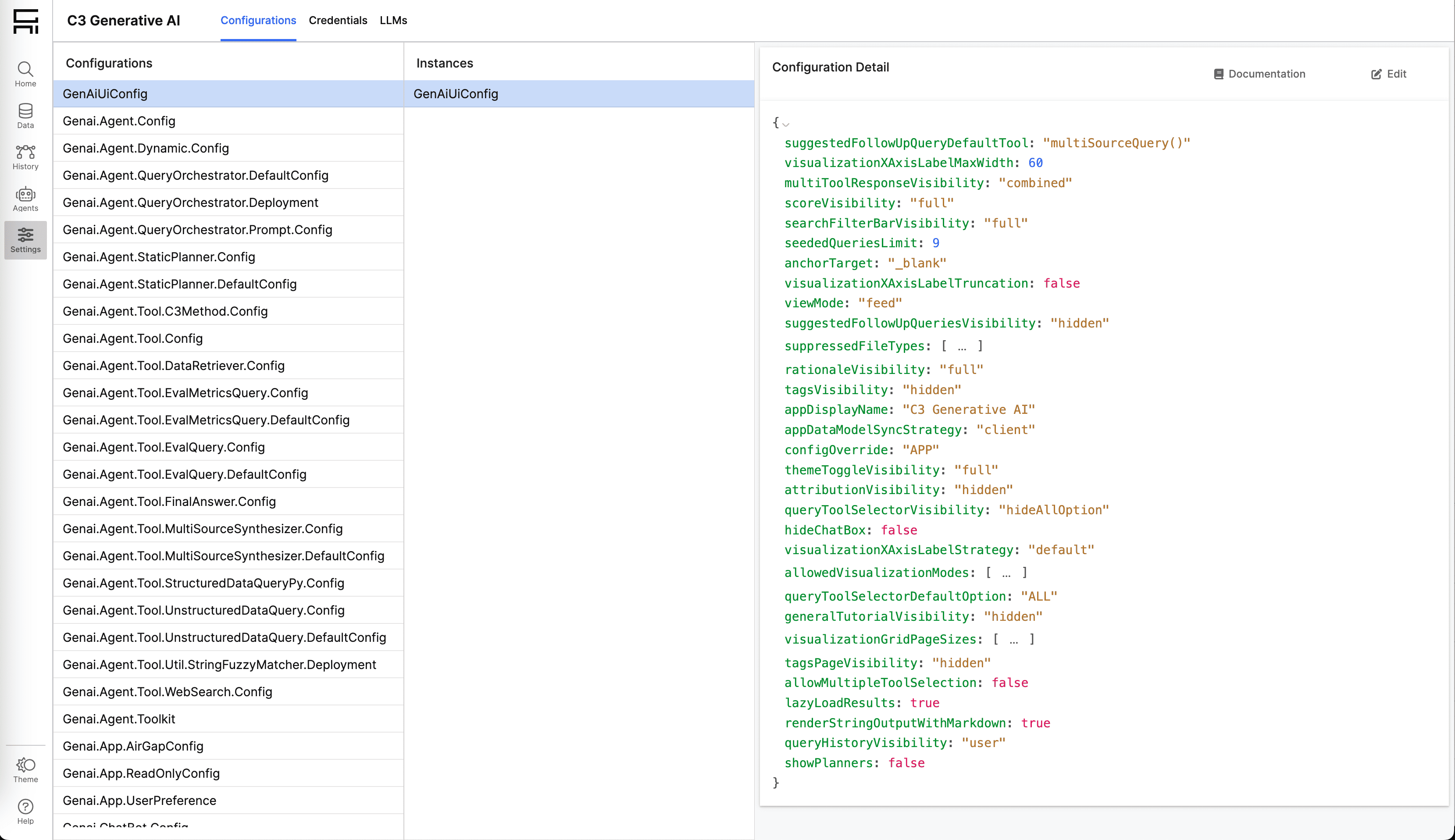
Access configurations
The Configurations page is in the Settings section of the navigation menu. You must have the C3.AppAdmin role to access this page.
Update a configuration
- Select the configuration you want to update.
- Select the instance of the configuration you want to update.
- Select the Edit button in the top-right corner of the Config Instance Details panel.
- Update the config value in the form and select Save. The update propagates across all nodes of the app.
- Select Restart on the banner at the top of the screen. This restarts the affected engines so the config changes take effect. For general configuration changes, all Search Engines restart. For agent deployment changes, only the Query Orchestrator engine restarts. This can affect background processes such as indexing.
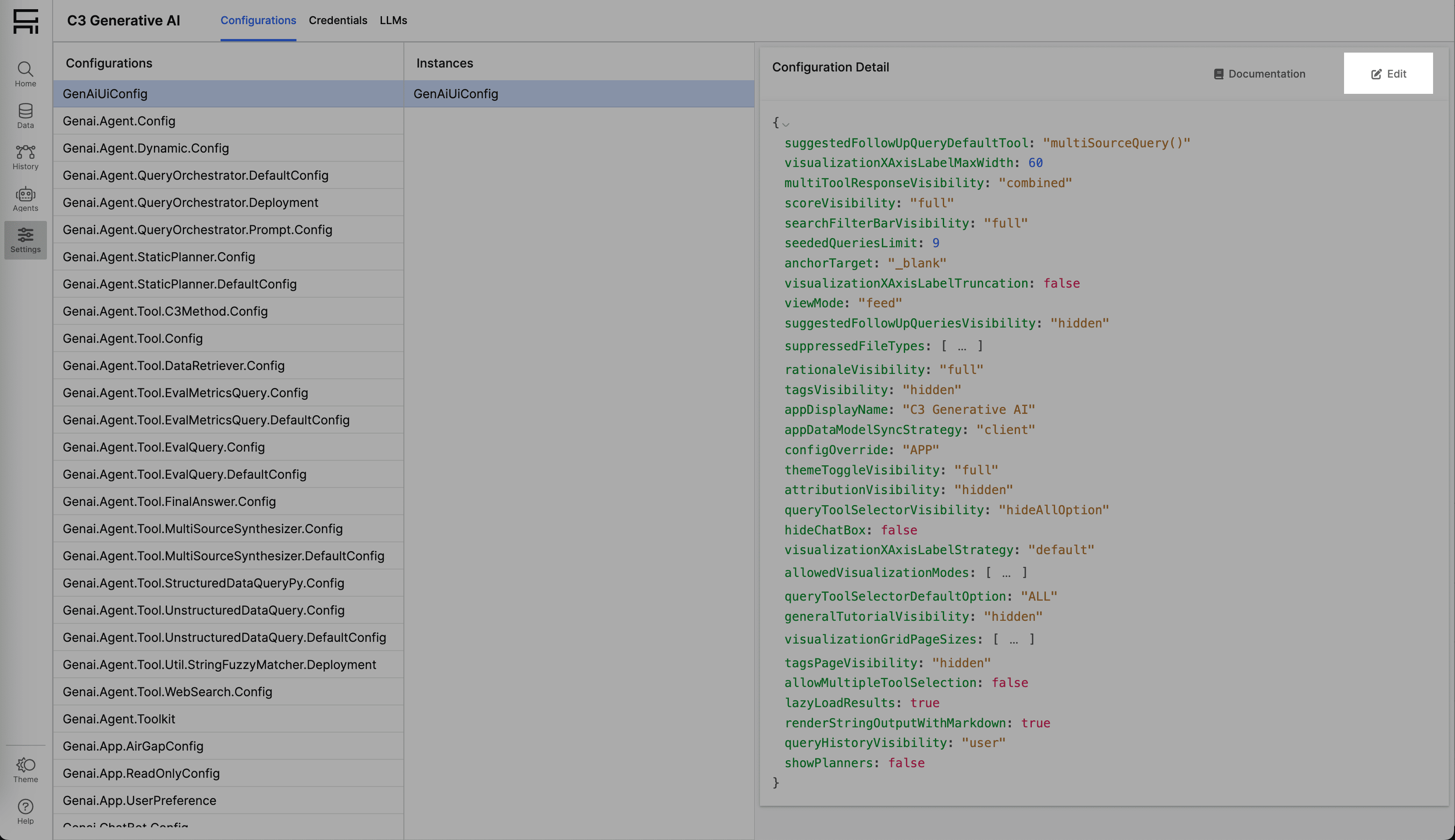
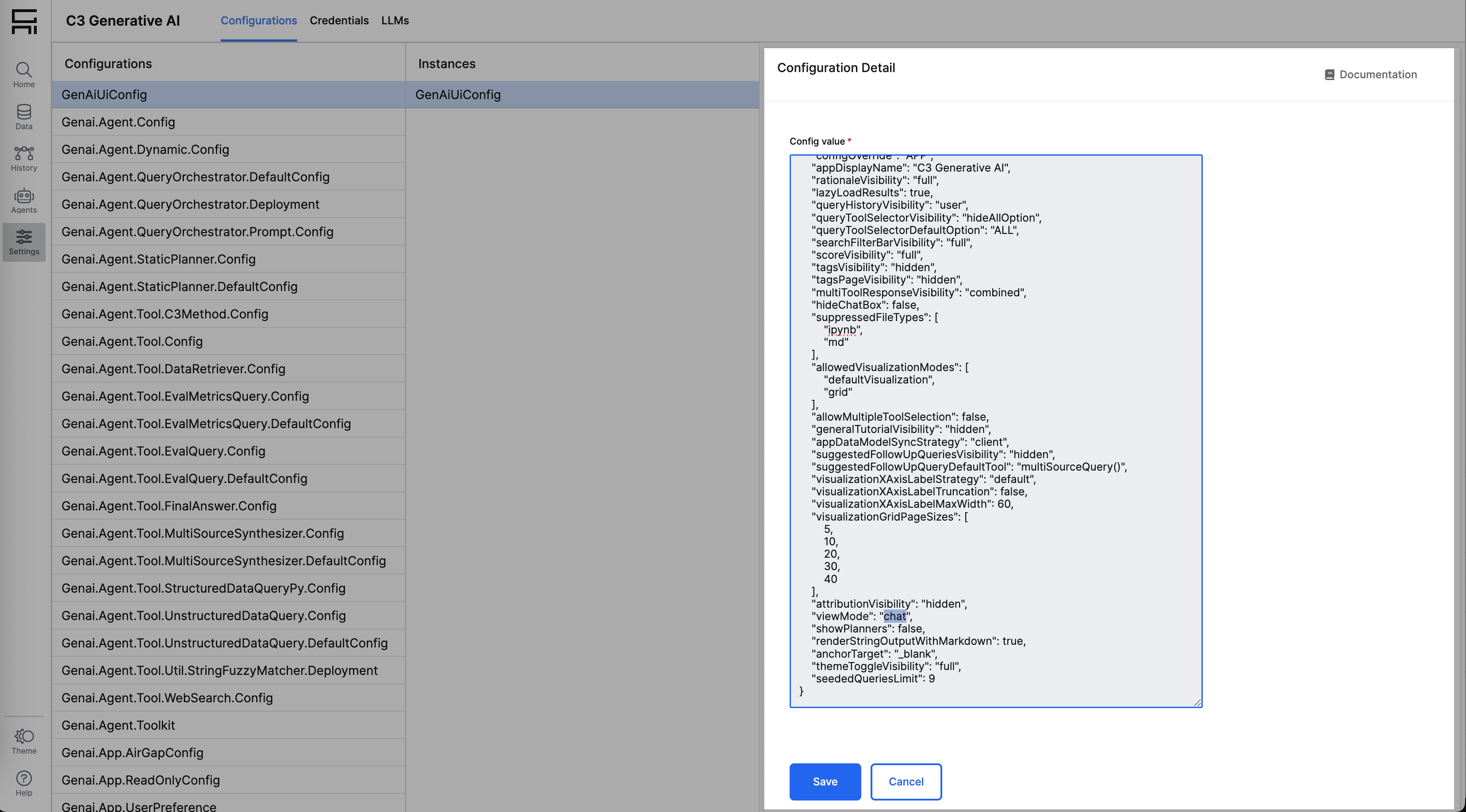
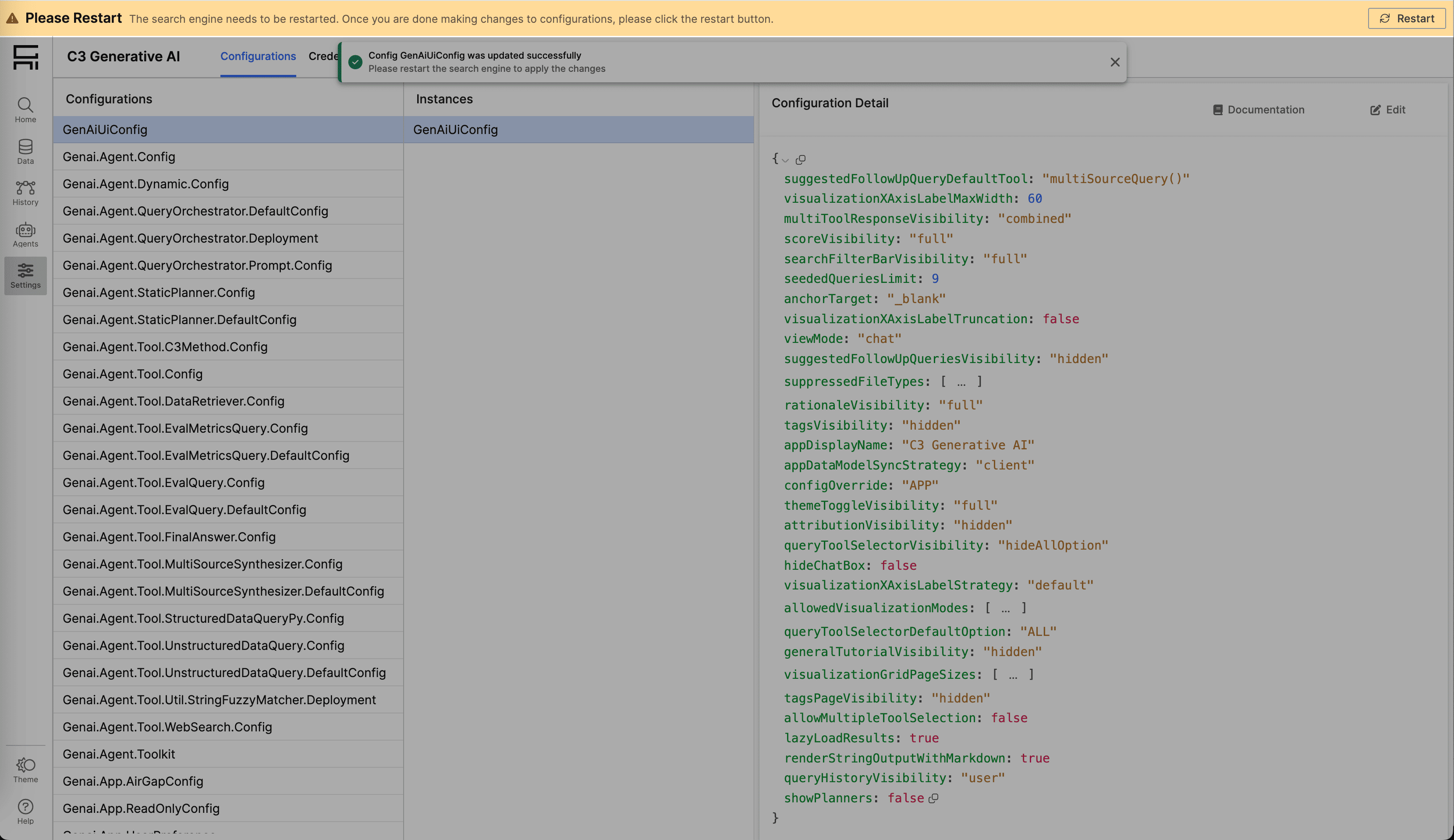
View configuration documentation
To learn more about a specific configuration, select the Documentation button in the top-right corner of the Config Instance Details panel.