Dynamic Agent Verbose Mode
Verbose Mode
Verbose Mode is part of the Dynamic Agent's response on the UI. It provides extra details about how the agent processes queries.
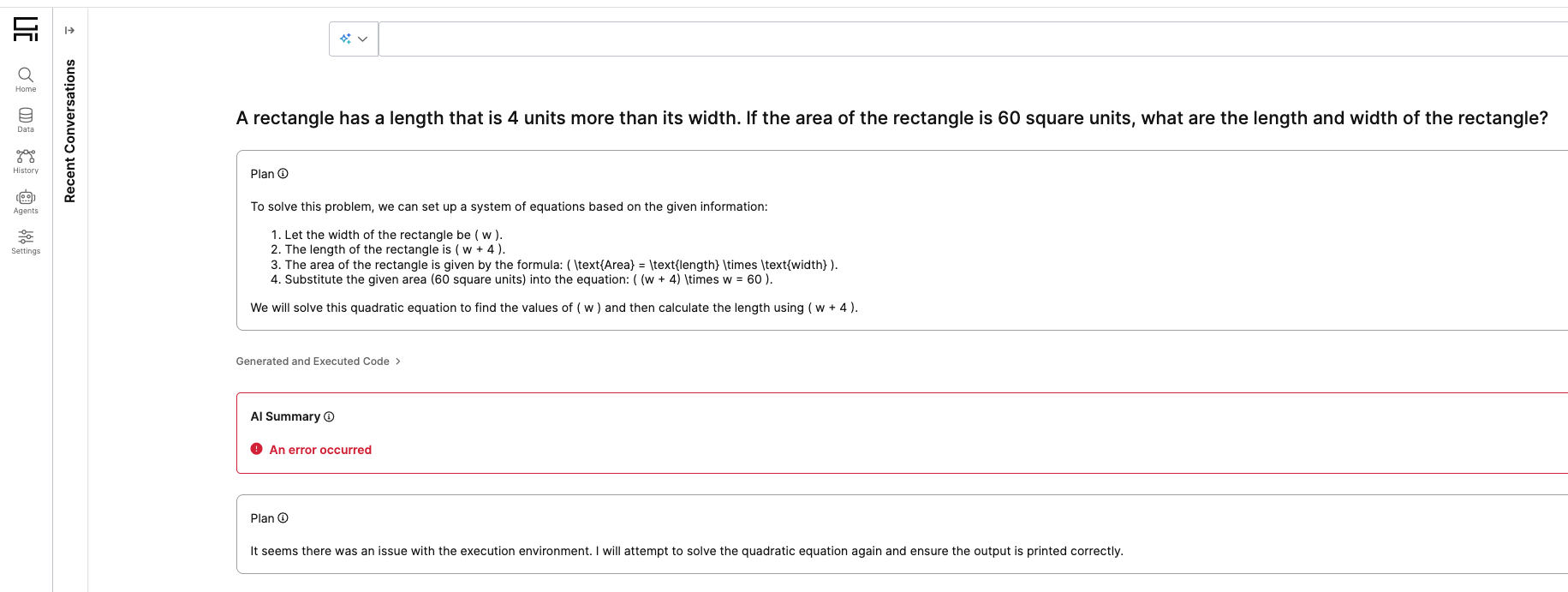
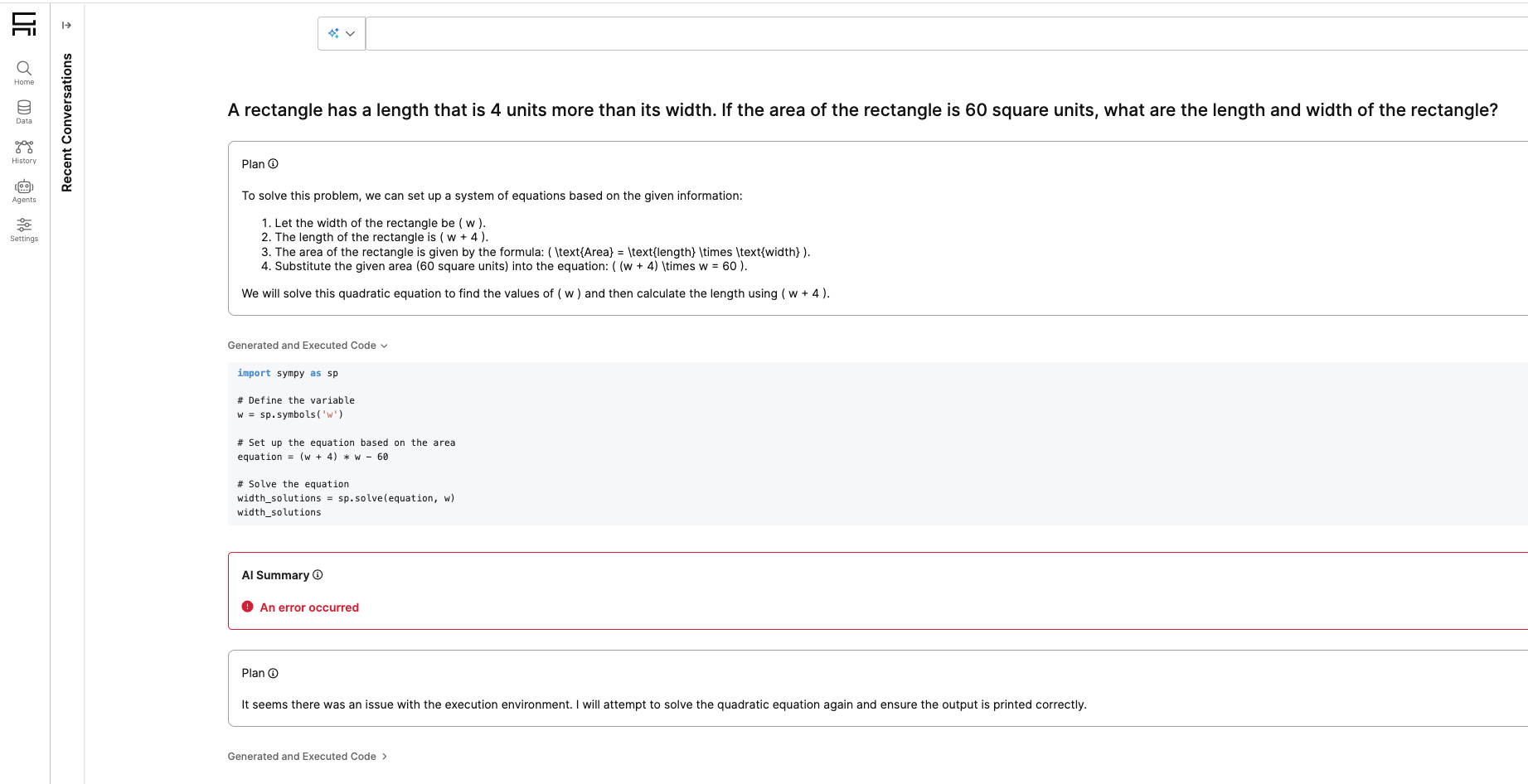
Verbose Mode helps provide transparency by showing the actual code used by the agent to produce each AI summary result.
Default Setting
Verbose Mode is disabled by default (false).
To enable, run:
JavaScript
GenAiUiConfig.setConfigValue('showExecuteSummaryStep', true);To disable, run:
JavaScript
GenAiUiConfig.setConfigValue('showExecuteSummaryStep', false);Access
Verbose Mode is visible only to users with C3.AppAdmin access.
What it shows
When enabled, along with the Plan / Thought and AI Agent Summary, it also displays:
- A Generated and Executed Code block (collapsed by default)
- The code that was executed to produce the AI Summary result
- This code block can be expanded by clicking on it