Query Engine Log UX
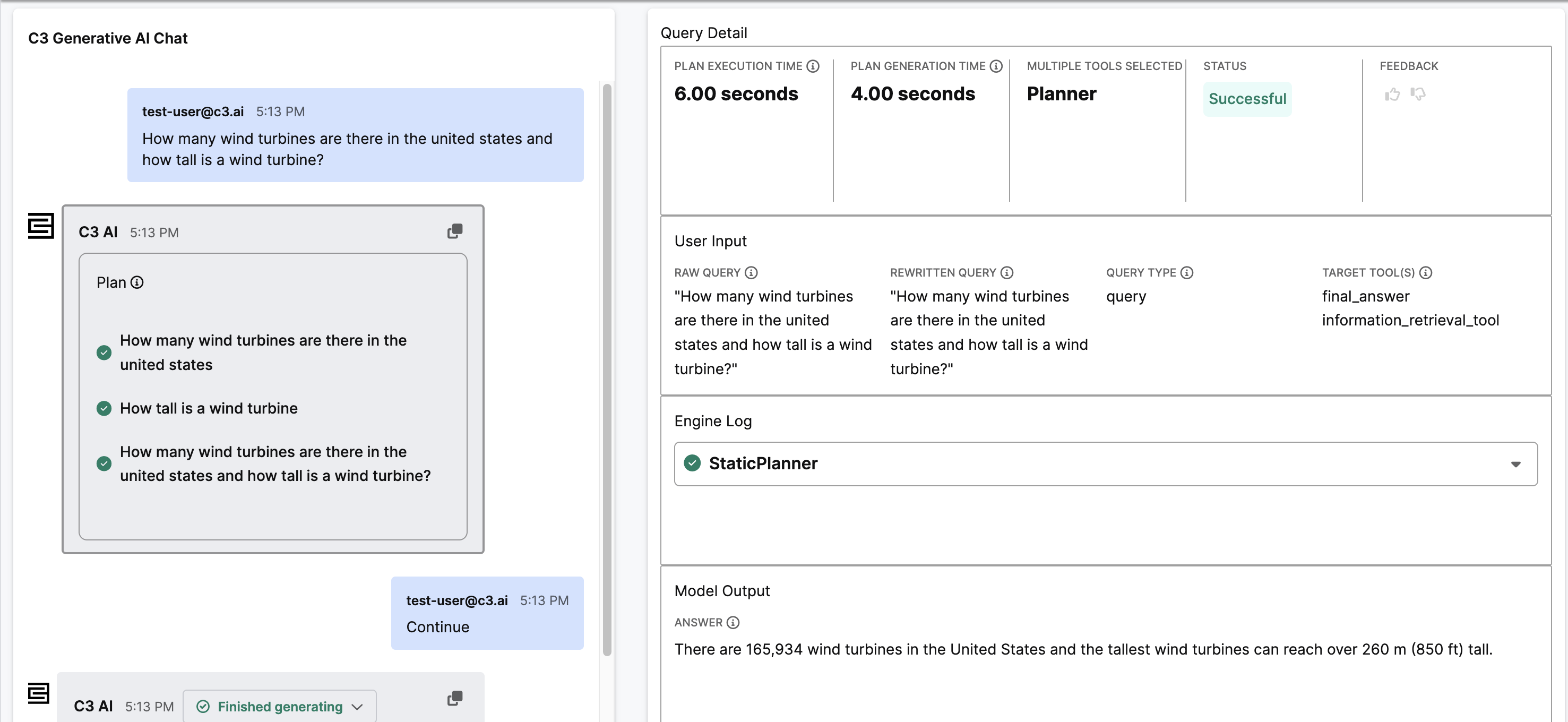
The query Engine Log UX feature allows users to visualize a query and its follow up queries as a chat feed with a sidebar including details about each of the query responses. These details include response time, query used, the contents of the engineLog, and more.
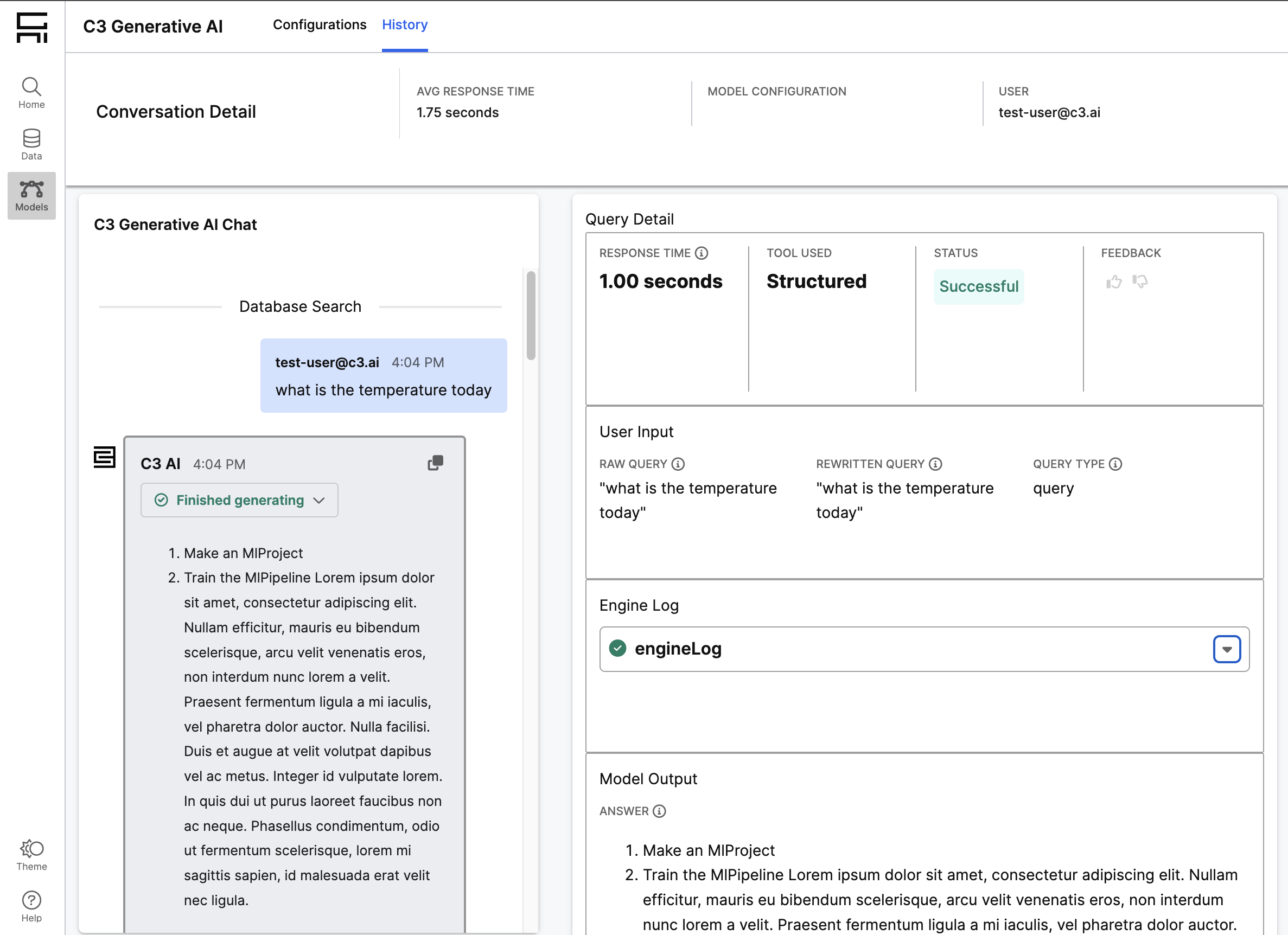
Viewing a conversation
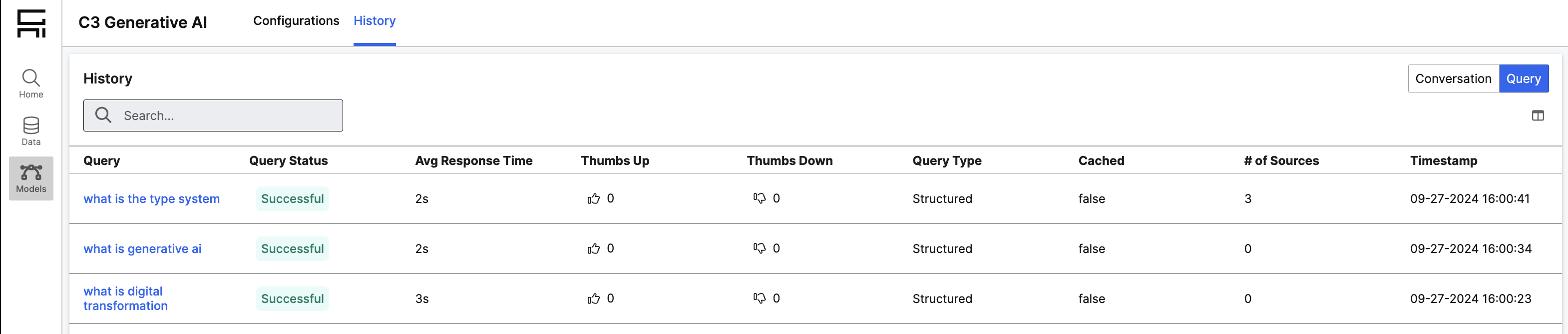
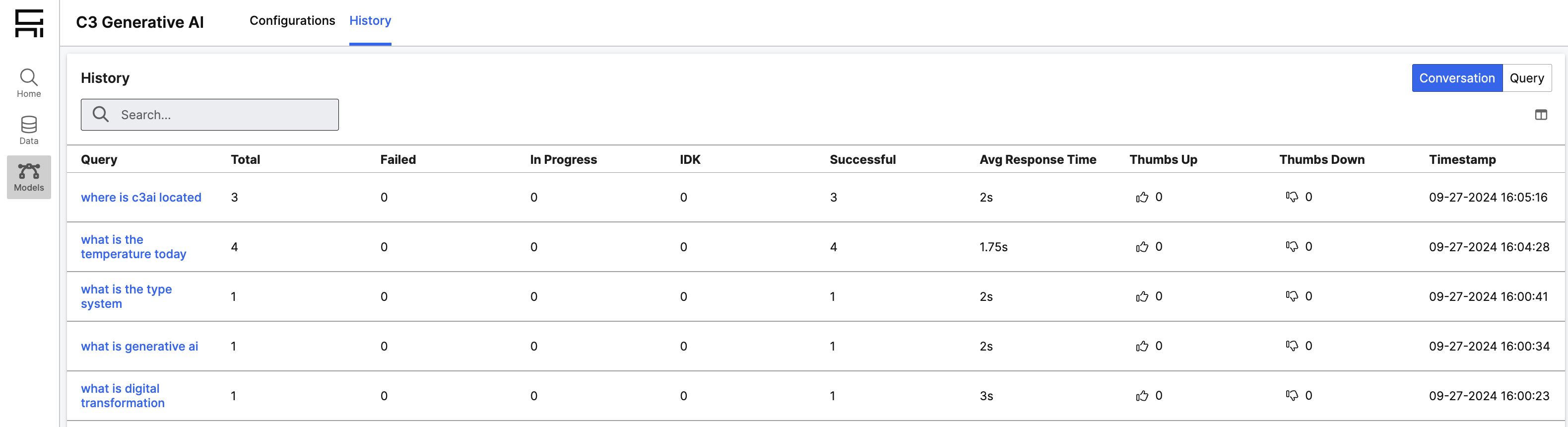
This feature is enabled by default. To view a conversation in the Engine Log UX page, go to the Models page under the History tab. From here, you can view the conversation by using either of the Query History or Conversation History grids. Clicking on a specific query or conversation will take you to the Engine Log UX page for that conversation thread.
Plan and Execute
Queries initiated for the Dynamic Agent have additional rendering details. When viewing details for a plan and execute query, you will see the plan visualized as a list of steps. If the plan was continued, you will see an additional message stating "Continue" followed by a response message for each step in the plan. The details for the plan message also include details about the plan generation time and plan execution time.