Preview the Output Data
Data Fusion is in Beta. Please contact your C3 AI representative to enable this feature.
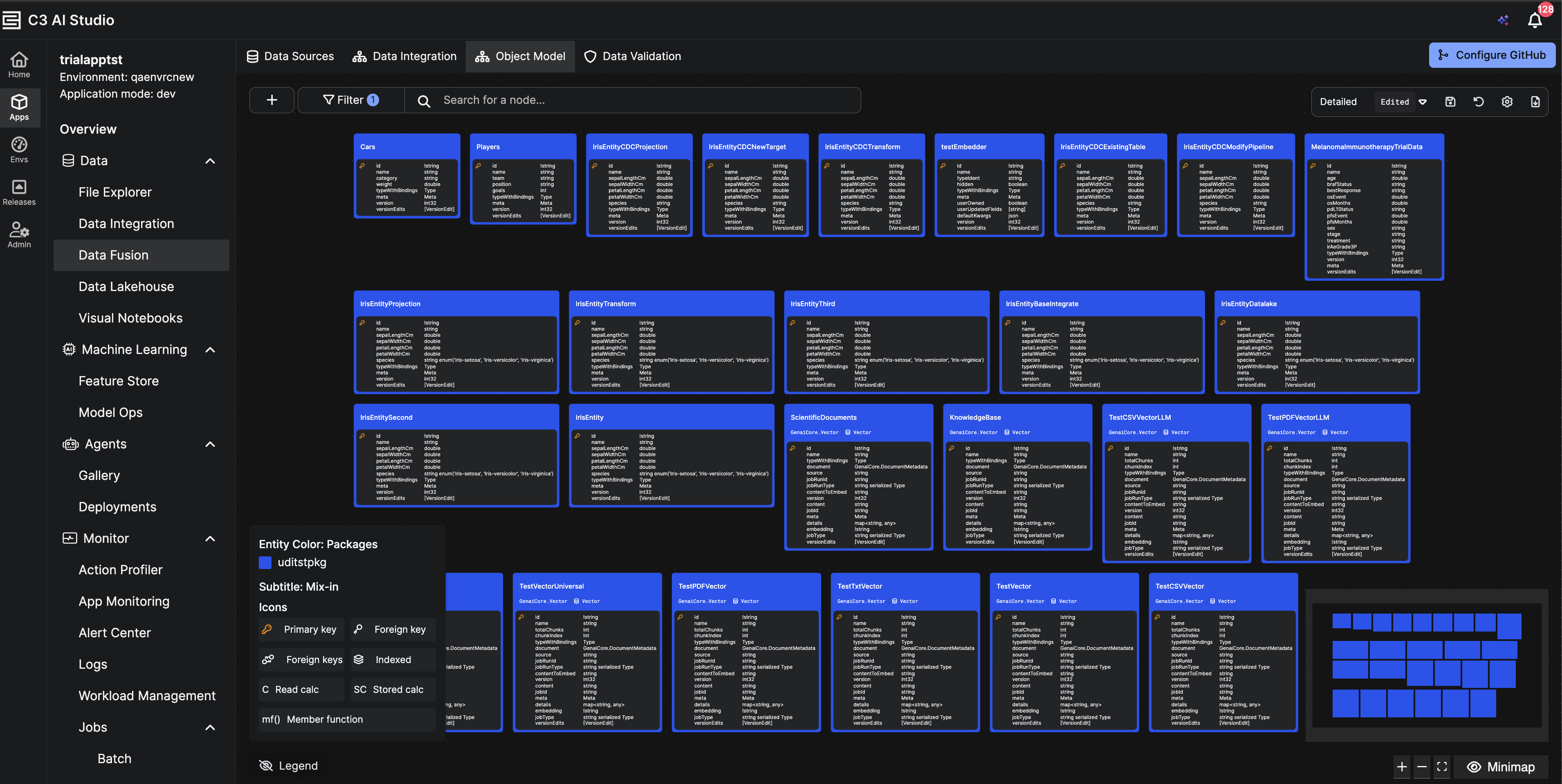
Once your Unstructured Data Integration (UDI) job has completed successfully, you can preview the processed documents, embeddings, and extracted metadata from the linked Entity in the application’s Object Model under the Data Fusion module.
Steps to Preview Data
- In C3 AI Studio, open the Object Model perspective under Data Fusion.
- Search for the target Entity associated with your Vector Store (for example,
ScientificDocuments). - Click the entity card to open its details panel on the right.
- In the panel, click Preview Data.
A preview window appears showing the data persisted in the entity, including fields such as:
- content – Parsed document text or extracted content.
- embedding – Numerical vector representation generated by the embedder.
- metadata – Extracted metadata tags or contextual information.
- source – Original file or document reference.
- jobRunId – Identifier of the job that processed the file.
Tip:
If no data appears, confirm that the UDI job has completed successfully in Monitor → Jobs → Batch.
Ensure that the correct Vector Store and Entity were linked in your pipeline configuration.