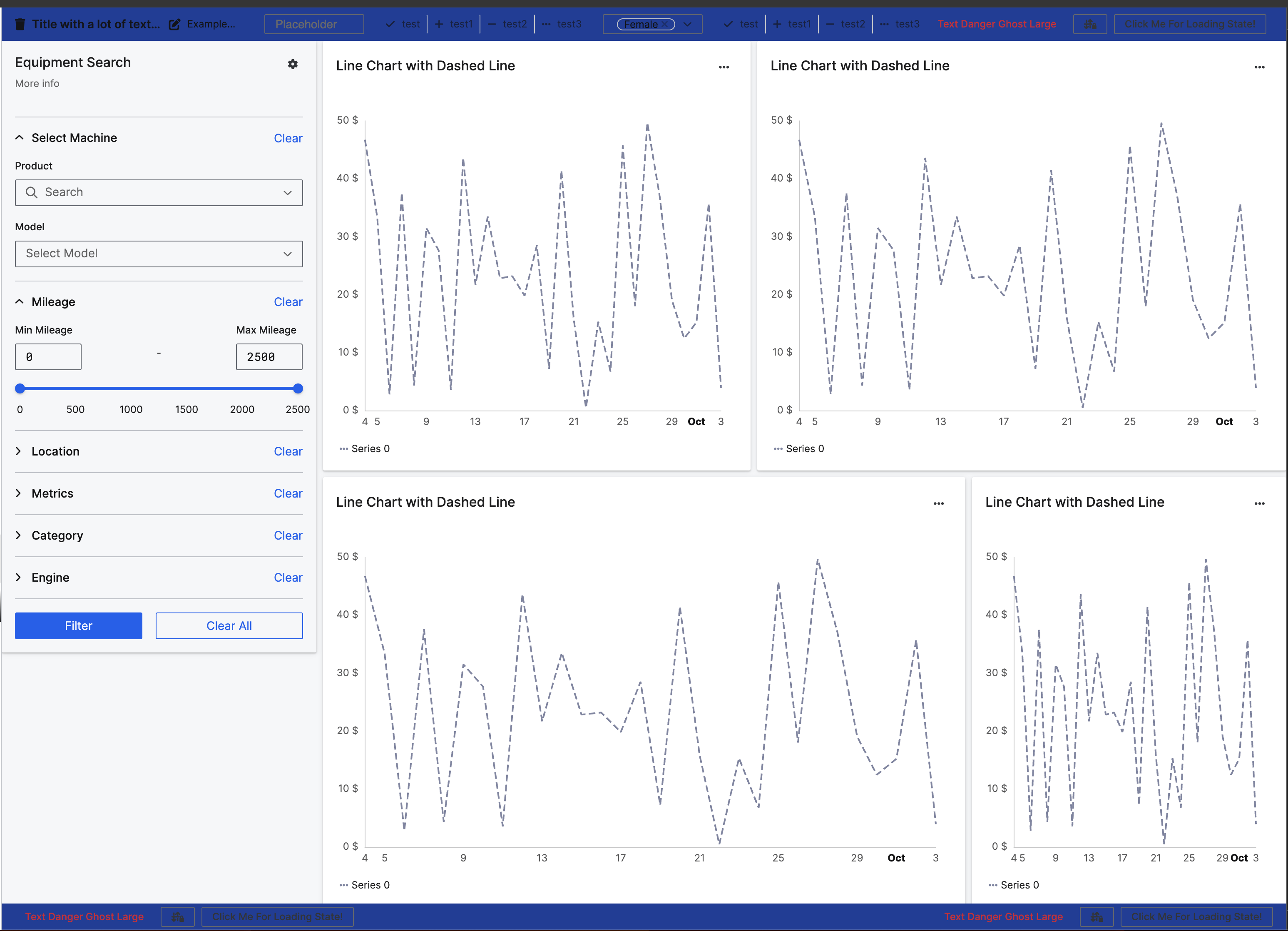
Configure the background color for Content Frame Bars<br>
Both UiSdlContentFrameTopBar and UiSdlContentFrameBottomBar UI components make it easy to customize a background color by setting the color field.<br> You can use any valid CSS color format (e.g., hex, rgb, rgba, hsl, named colors, design tokens).
Recommendation
It is recommended to use design tokens for colors to ensure consistency and maintainability.<br> The following tokens are available here: Design Tokens
Custom colors may cause contrast issues if the theme is changed. Ensure that the chosen color maintains sufficient contrast with the background to remain legible across different themes.
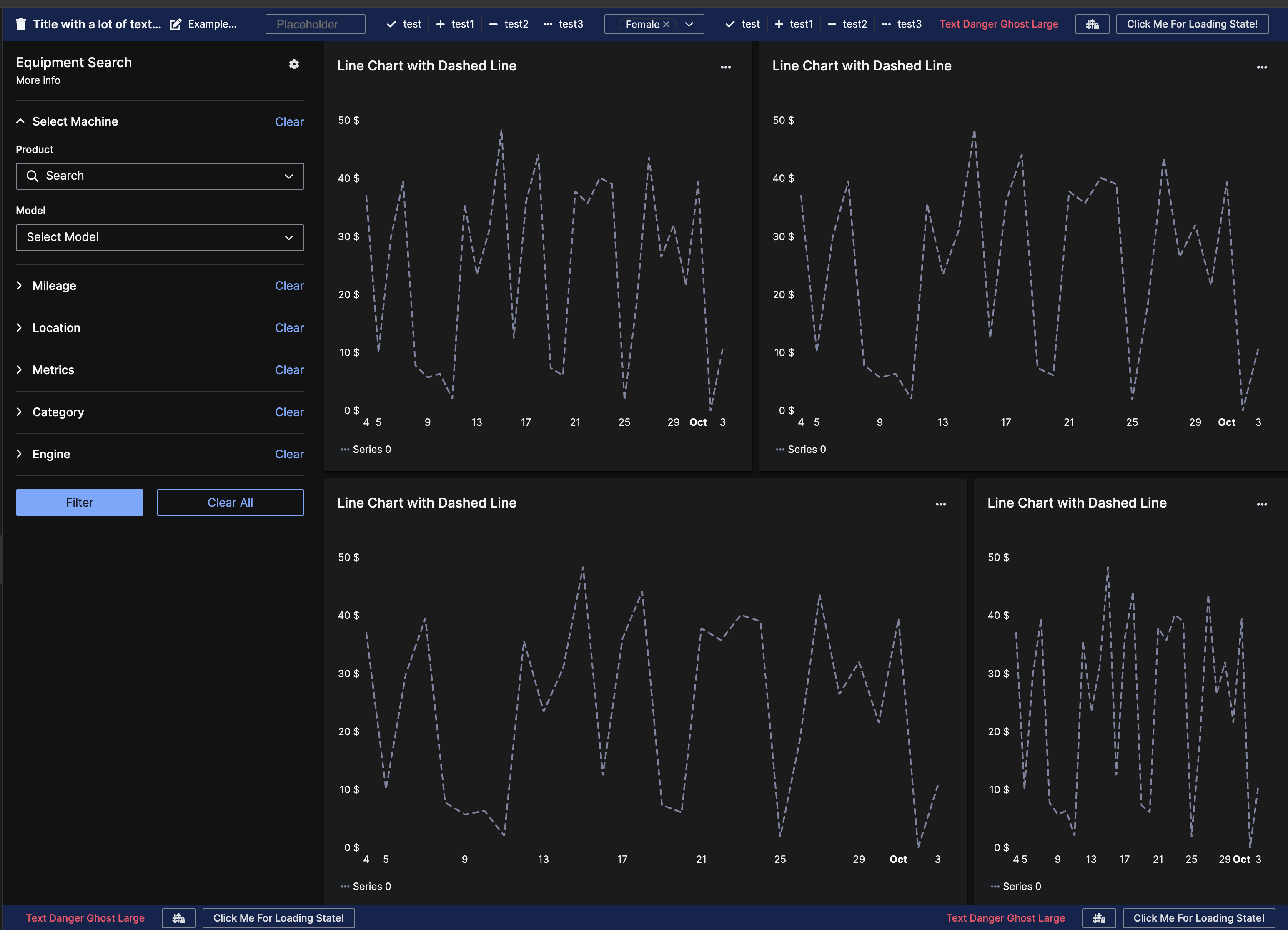
The screenshots below show a content frame top bar configured with the semantic token colorBgAccentWeak.<br> In the light theme, it displays #D1E3FF, and in the dark theme, it changes to #142757, ensuring readability in both themes.
 <br>
<br> 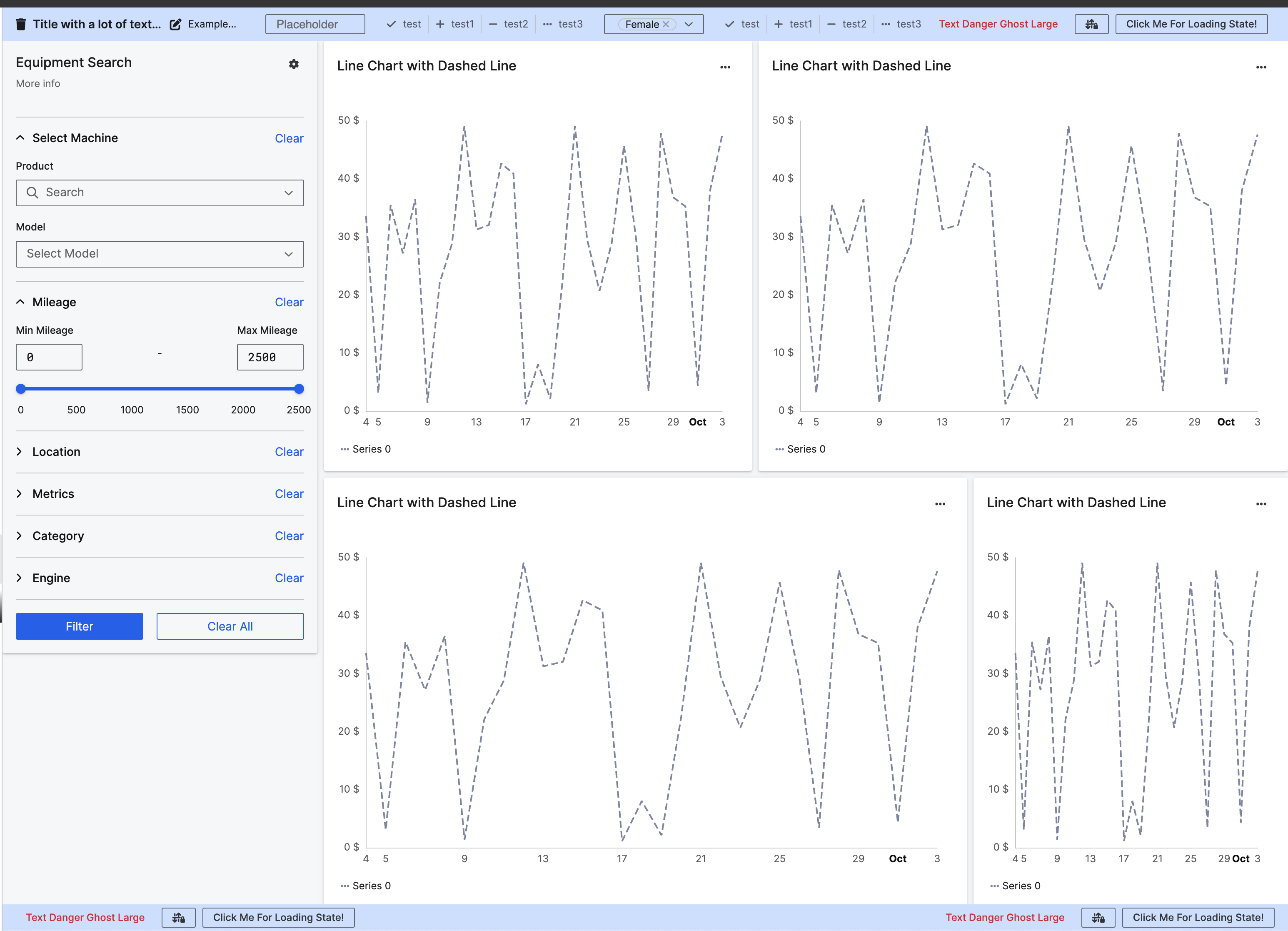 <br>
<br>
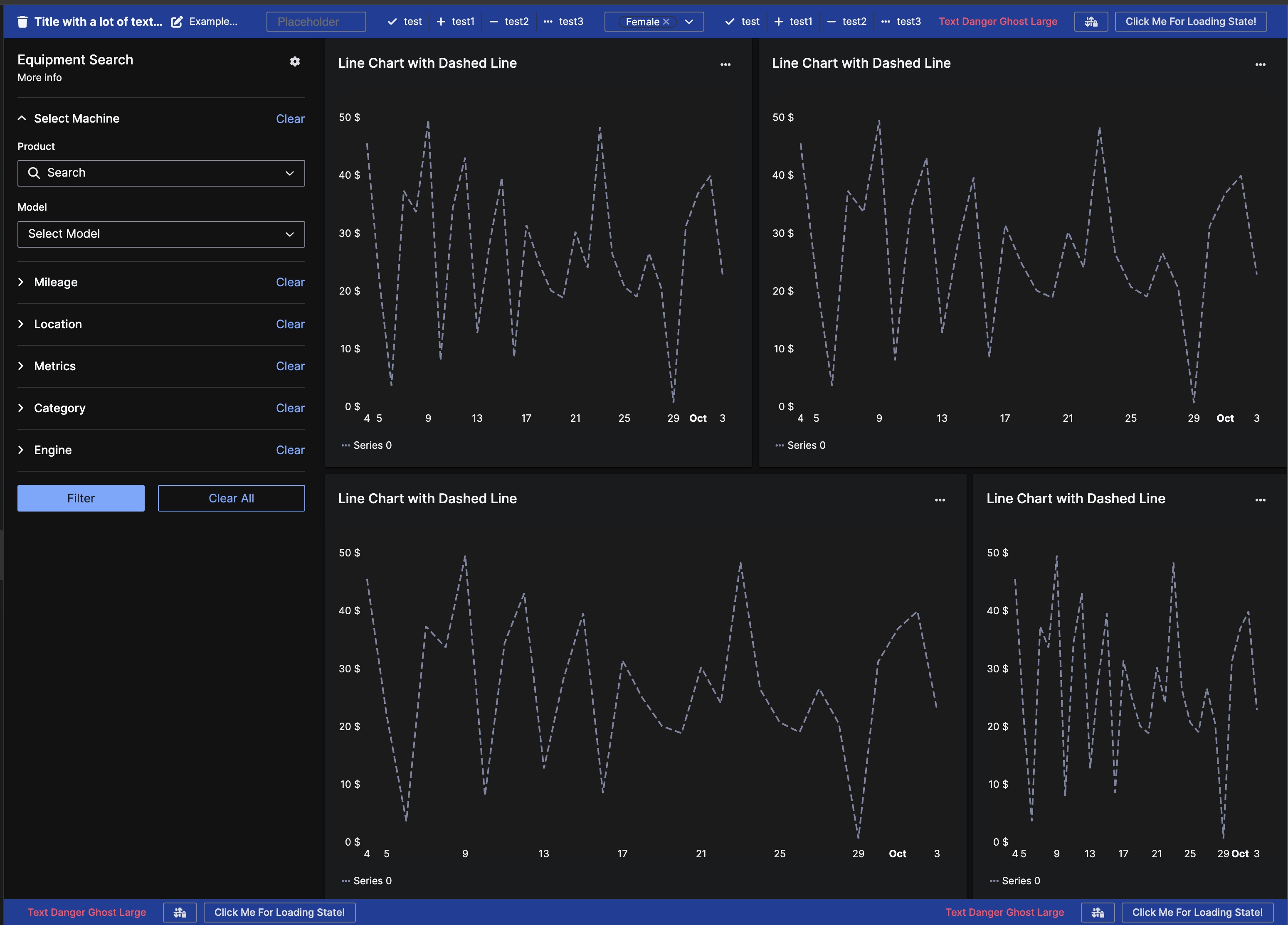
In contrast, the following screenshots show a top bar configured with a hard-coded color value of "#2242A2". While it looks good in the dark theme, it becomes difficult to read in the light theme.
 <br>
<br>