Add Models to the C3 AI Model Registry
This topic shows how to add models to the C3 AI Model Registry using C3 AI Studio or C3 AI provided APIs.
Register a model using C3 AI Studio
You can register models for other users. You can apply additional metadata to help other users find and inspect your model.
You can access the Model Ops tab in the left nav bar in your application. If the Model Ops option is not visible, try expanding the left nav bar by selecting the arrows on the top left of the webpage.
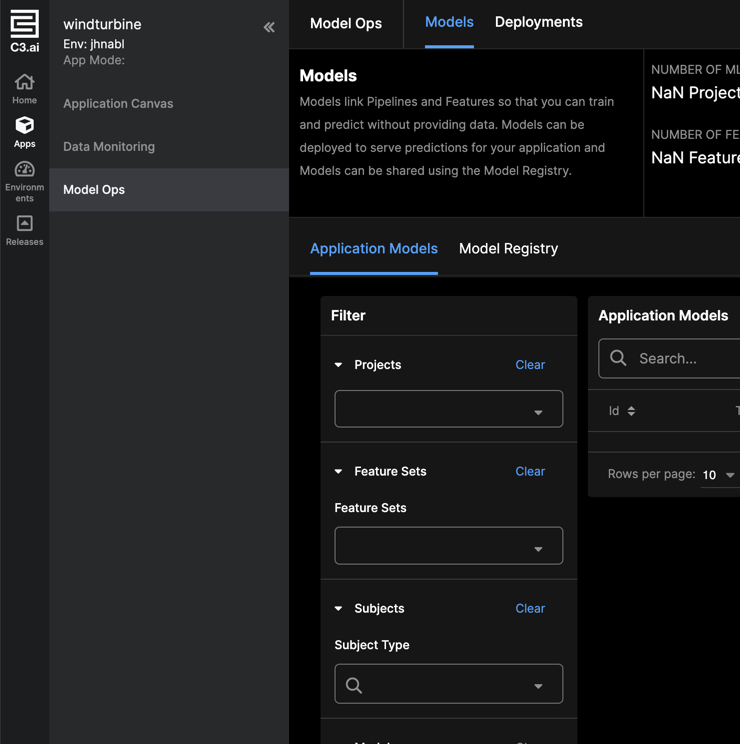
When inspecting your model, select the Register option to begin registering your model. You can select an existing registry model or create a new one. Creating a new model requires you to input a new Model Description.
Add models to the C3 AI Model Registry using the API
Add MlPipe and MlPipeline to the C3 AI Model Registry using the ModelRegistry.registerMlPipe method.
entry = c3.ModelRegistry.registerMlPipe(mlPipe=trained_pipeline,
                                        path='Entry Name',
                                        desc='Entry Description')
ModelRegistry.registerMlPipe returns an instance of a ModelRegistry.Entry, which is uniquely identified by the uri and ver fields.
Add MlModel to the Model Registry using the ModelRegistry.registerMlModel method.
entry = c3.ModelRegistry.registerMlModel(mlPipe=mlModel,
                                         path='Entry Name',
                                         desc='Entry Description')
ModelRegistry.registerMlPipe returns an instance of a ModelRegistry.Entry, which is uniquely identified by the uri and ver fields.
Specify path
When registering a model, use the full path for the model by defining a path that contains at least two parts separated by a slash (for example, path = /object_detection/my_object_detection_model).
Or, specify only the last part of the 'uri' (for example, path = "my_object_detection_model") and the Model Registry Service automatically creates path = /<cluster>-<env>-<app>/my_object_detection_model.