Find models in the C3 AI Model Registry
This topic shows how to find models in the C3 AI Model Registry using C3 AI Studio and C3 provided APIs. For more information on an overview for Model Registry, see Overview of Model Registry in C3 AI Studio.
Search for models in C3 AI Studio
You can access the Model Ops tab for your application in the left nav bar. If the Model Ops option is not visible, try expanding the left nav bar by selecting the arrows on the top left of the webpage.
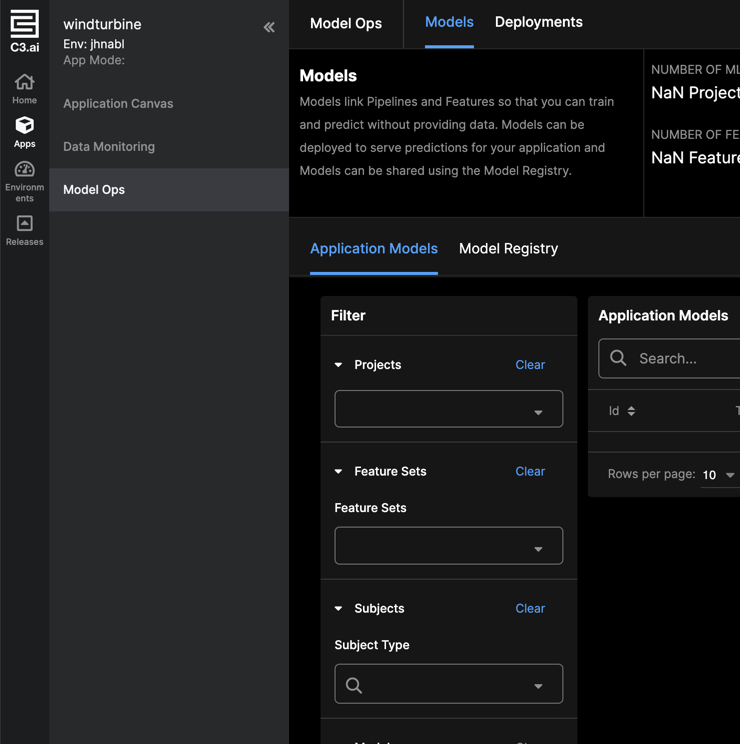
Use the Filter options on the left to refine your search results. For example, you can order search results by date created or test scores. You can also search models by name, or within specific projects.
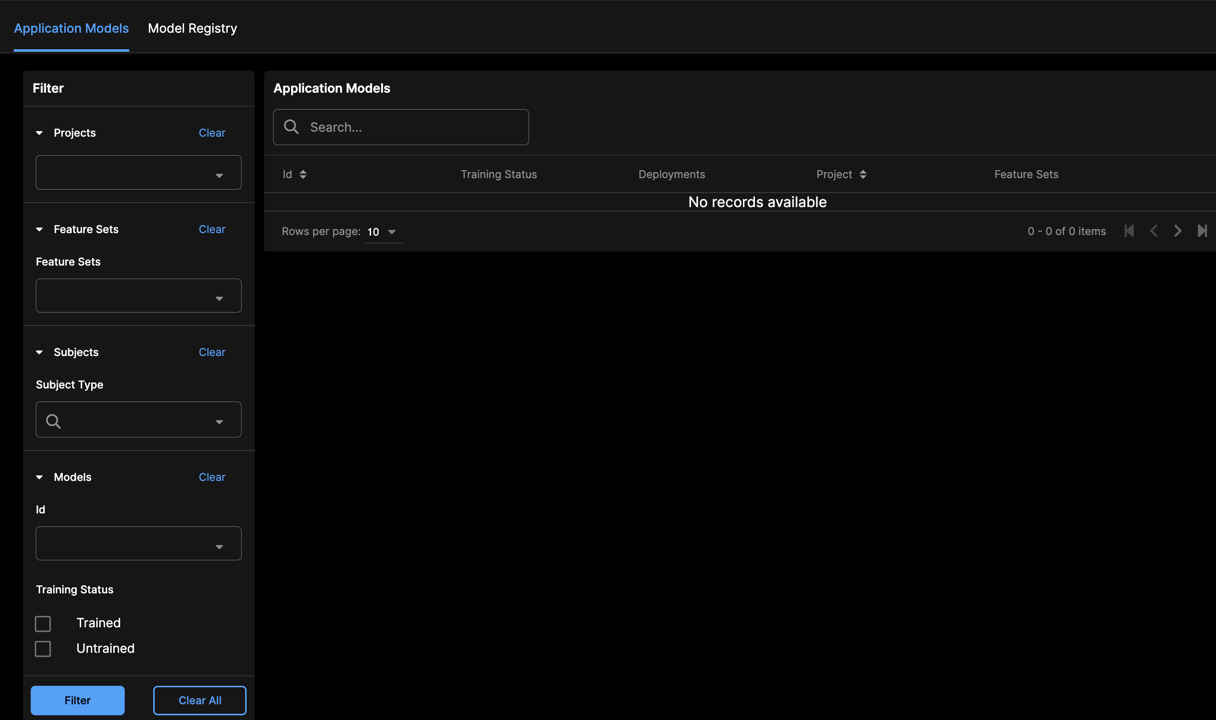
You can deploy or register models directly from search by selecting Deploy or Register on each search result.
Find models in Model Registry in C3 AI Studio
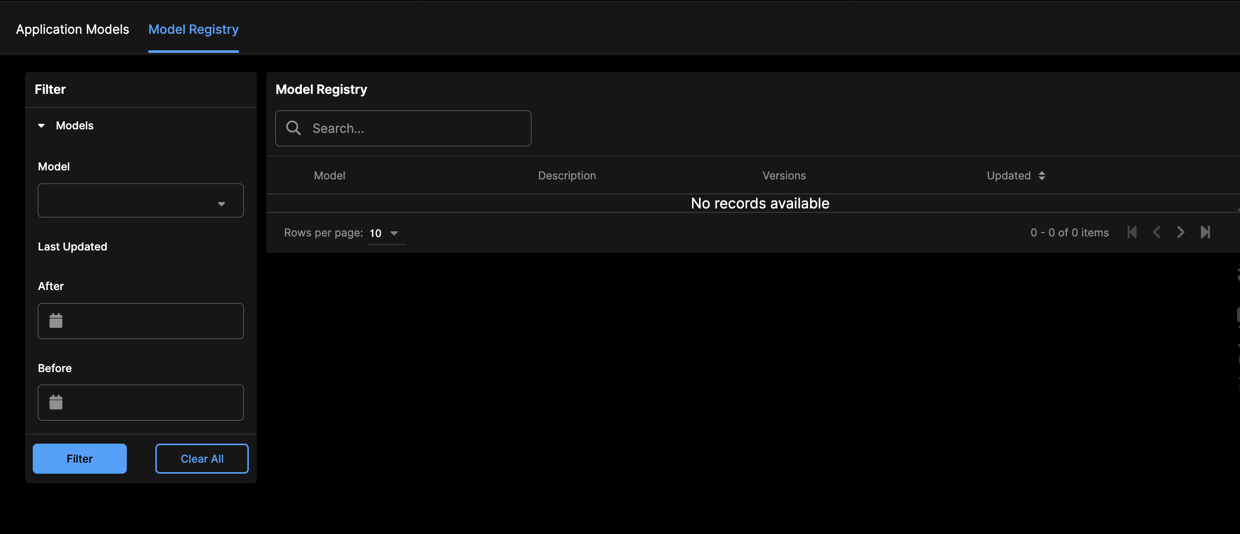
Similarly to finding application models, you can apply filters to look for specific models in Model Registry.
Navigate to the Model Registry tab by selecting Model Registry.
You can filter search results by name, latest version, or view only "Approved" models.
Find models in the Model Registry using C3 supported APIs
List models in the Model Registry using the ModelRegistry.listEntries method. The method takes a filter as an argument to find Model Registry entries.
The example below returns entries where the uri contains classification.
# list all unique entry uris
entries = c3.ModelRegistry.list().objs

# list unique entry uris with filter
entries = c3.ModelRegistry.list(spec={"filter": "contains(uri, 'MlModel')"}).objs