C3 AI Fetch (Legacy)
The Fetch node enables a user to query a C3 AI Object by identifier or filter specification. Data that match the identifier or filter selection criteria are placed in the output dataset.
The Fetch node is connected to the C3 AI Type node and when run returns a dataframe with C3 AI Application data.
Prerequisites
The user must be in the appropriate Admin Group and have the correct roles to be authorized to read data from the selected Type. By default, C3 AI follows the principle of least privilege and users may not have been granted access to retrieve data from Types. Please speak to the C3 AI Support Team to ensure proper setup.
Configuration
| Field | Description |
|---|---|
| Name default=none | A user-specified node name displayed in the canvas |
| Fields to Include Required | The columns to be retrieved as part of the data retrieval |
| Select the data elements and columns to be retrieved as part of the fetch. Users may select many columns. Clicking provides an autopopulated dropdown list of all available options. |
Node Inputs/Outputs
| Input | A C3 AI Type node. The C3 AI Type Node and its associated selected Type (i.e., Service Point, Organization, Meter Asset. etc.) is the only allowable input. |
|---|---|
| Output | Visual Notebooks returns a table, called a dataframe, from the C3 AI Application Data Model that contains all relevant data. Columns are labeled and include a symbol that specifies the data type of that column. |
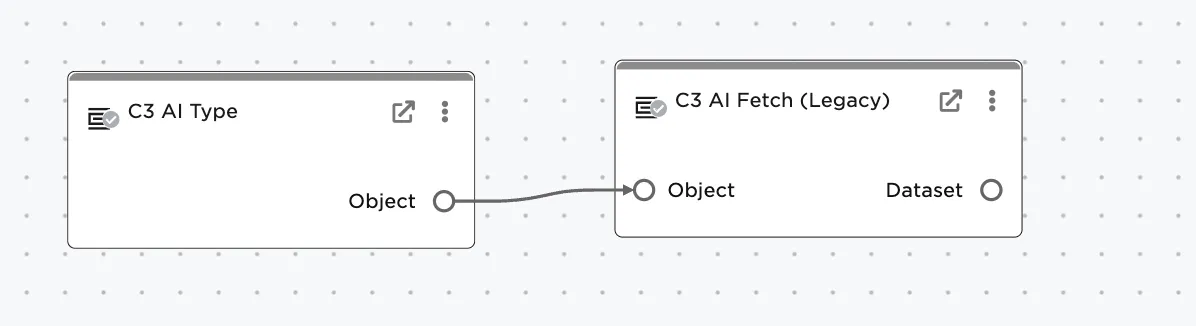
Figure 1: Example node setup. Note the node must be connected to a "C3 AI Type" node before data will load.
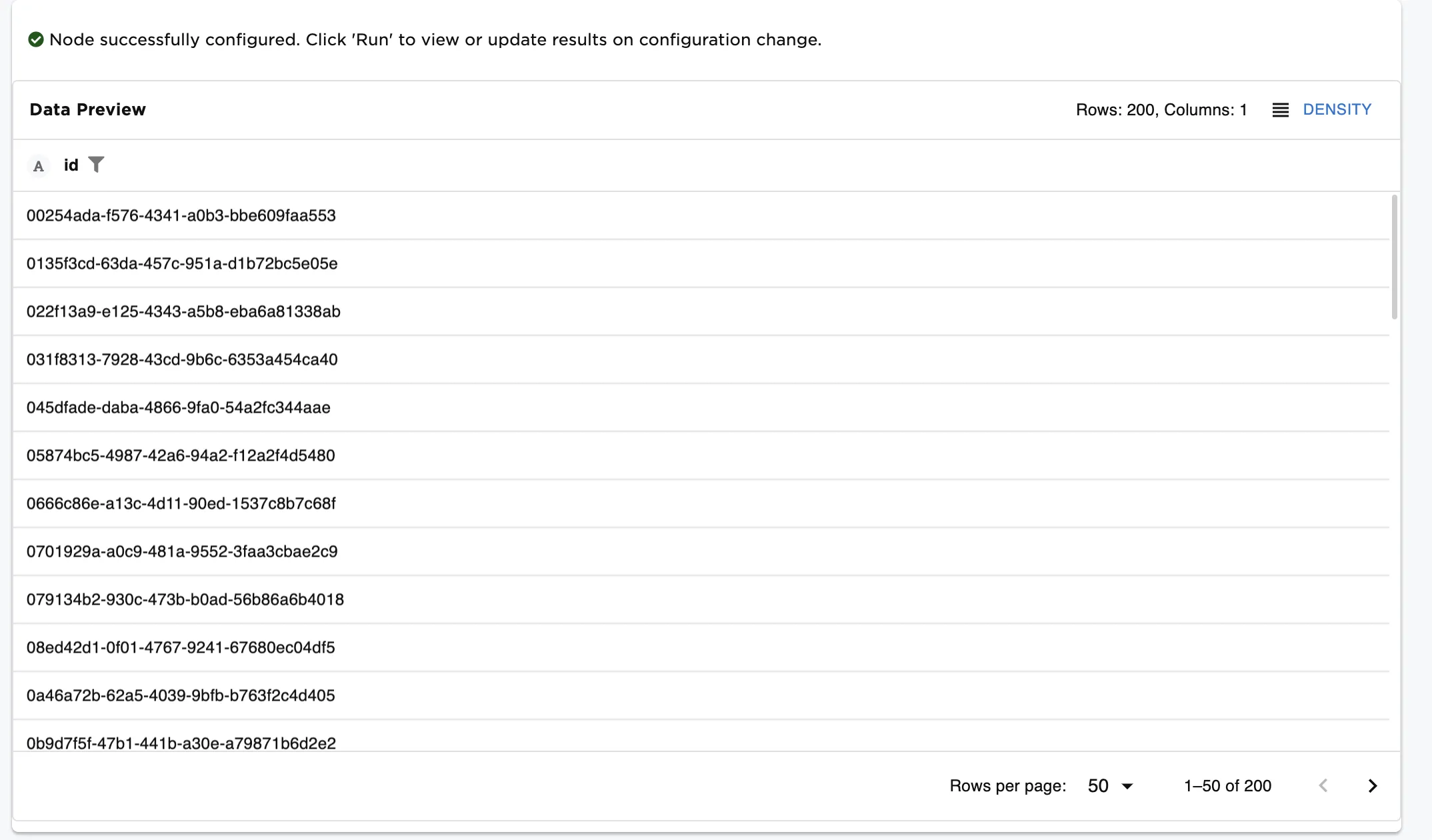
Figure 2: Fetch node output returns the relevant data loaded as a dataframe.
Examples
By default, the C3 AI Fetch node retrieves a list of the IDs returned by the given Type and its associated filter.
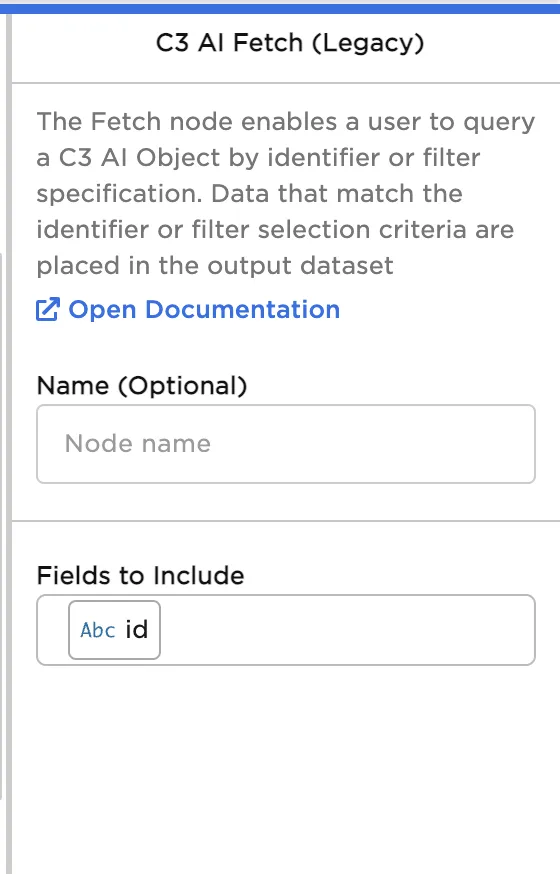
Figure 3: Fetch node default configuration
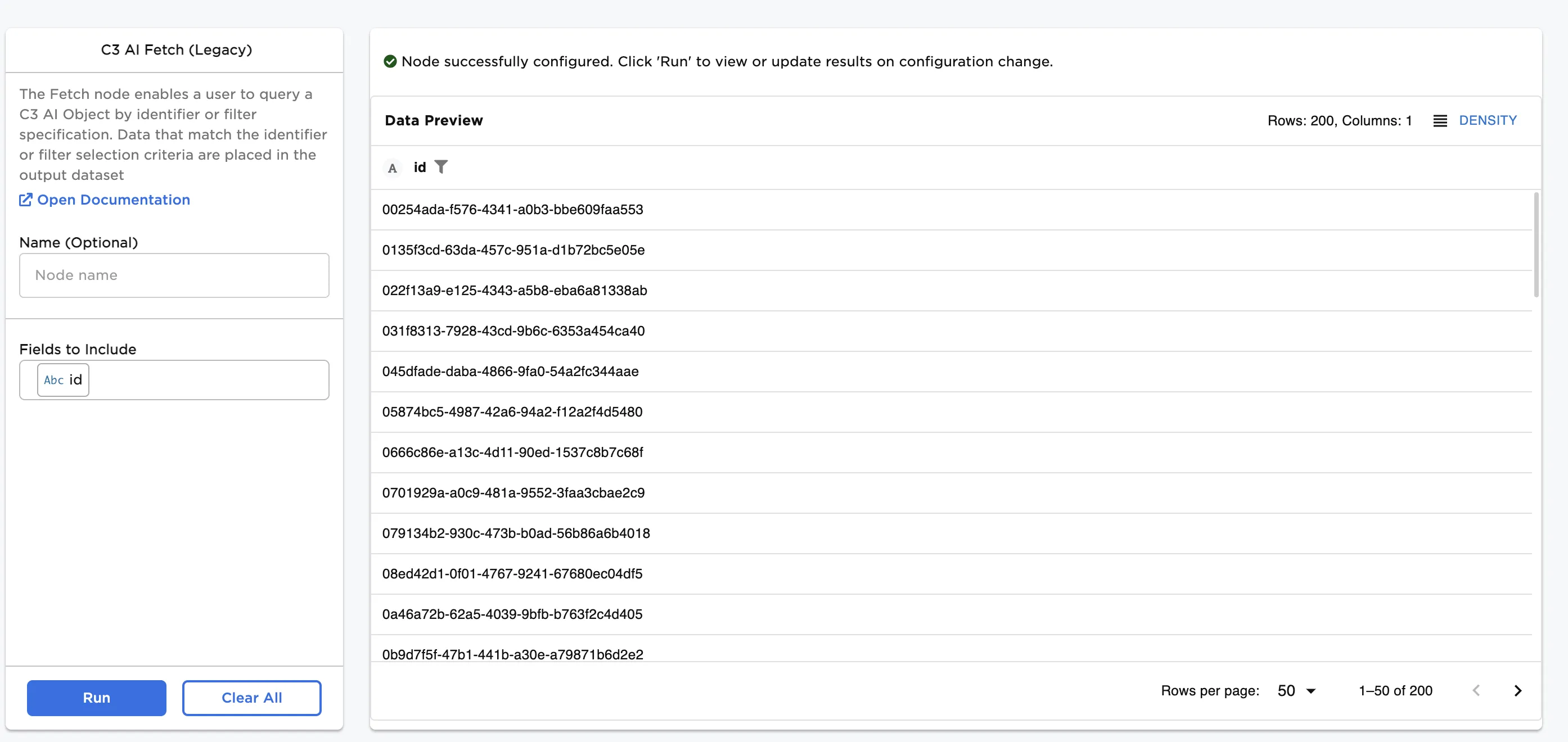
Figure 4: Fetch node output
Add additional columns by clicking and selecting. Columns may be of type string, datetime, or numerical.
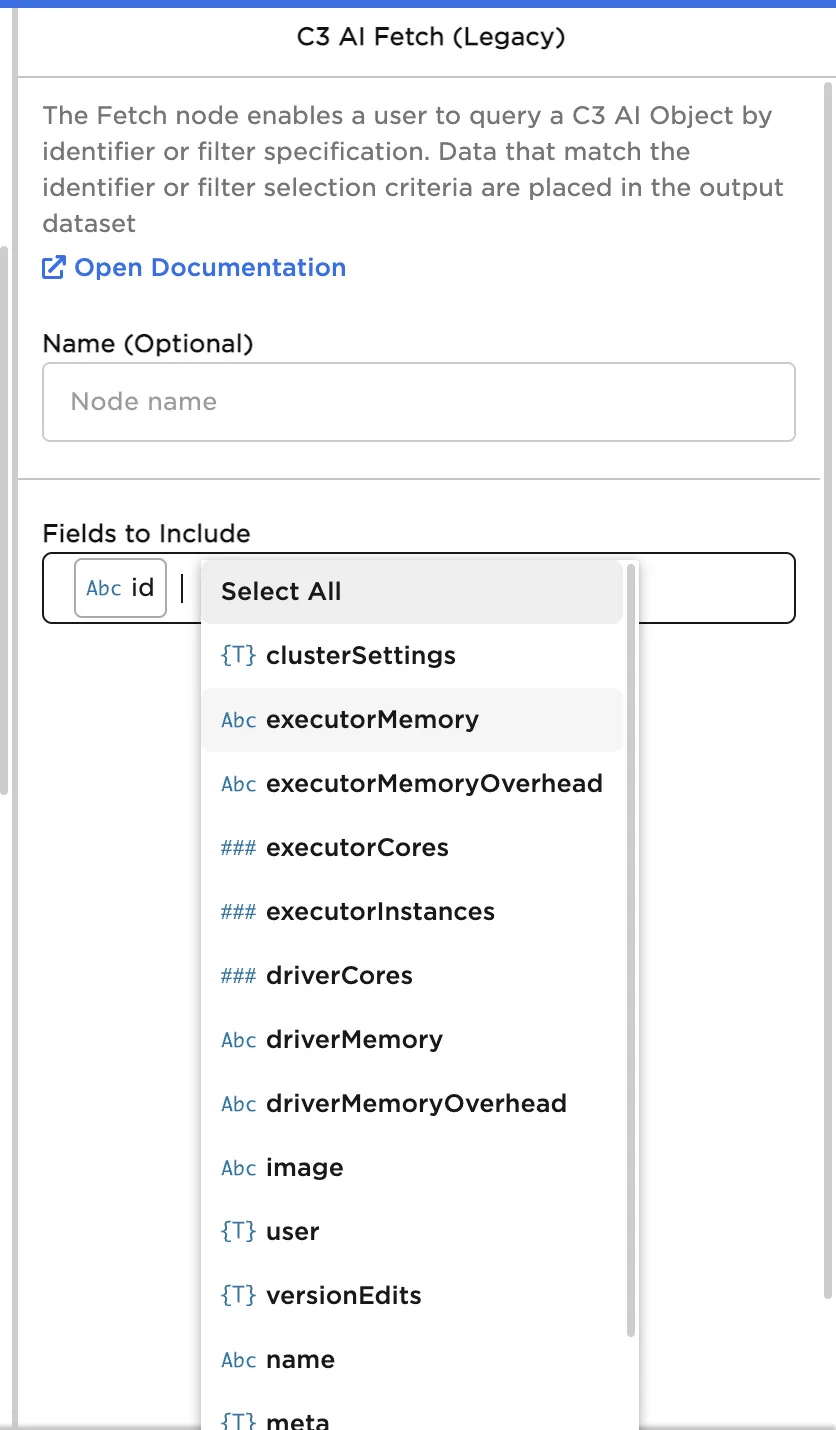
Figure 5: Selecting additional fields to be included in the fetch
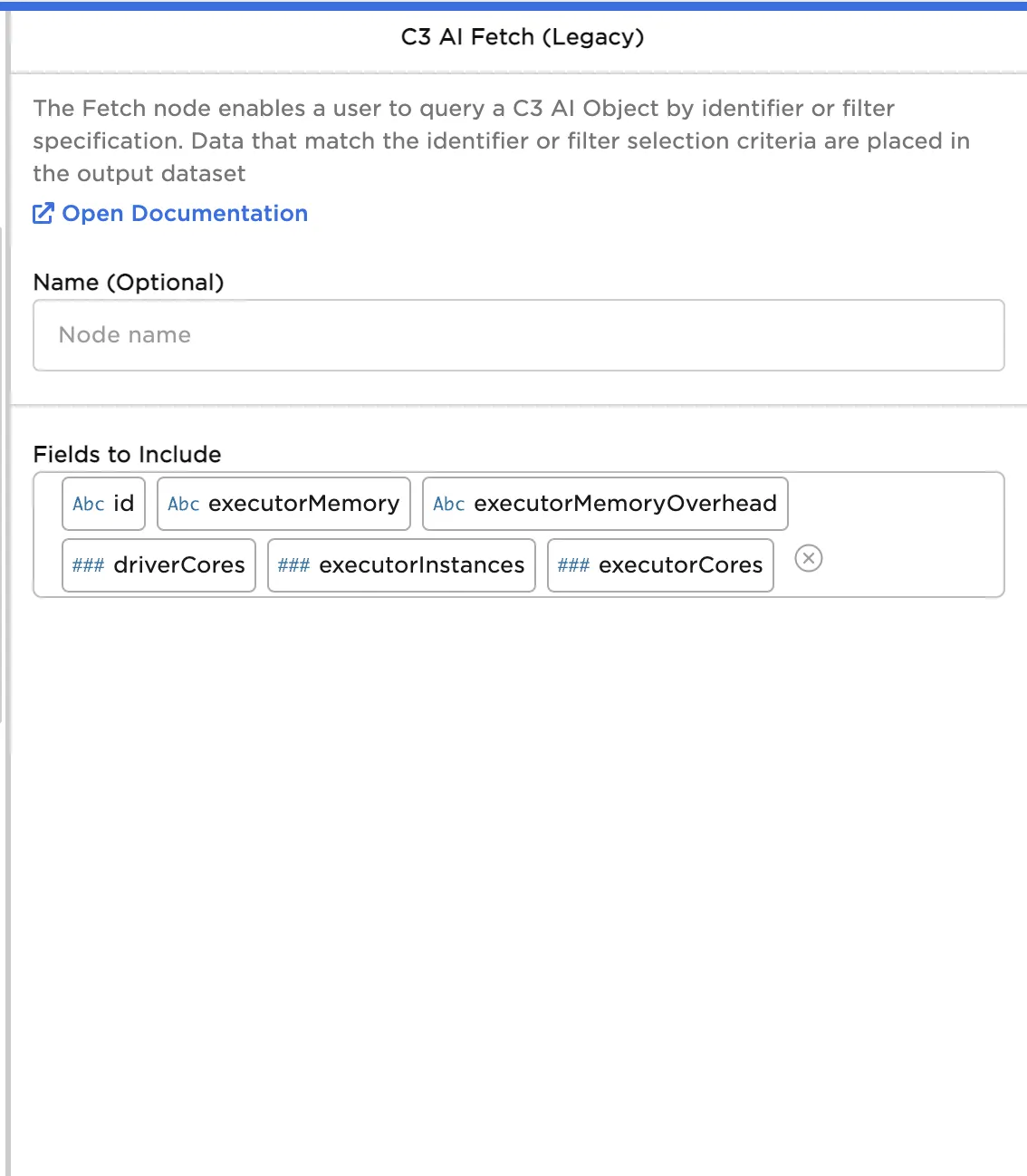
Figure 6: Fetch node configuration
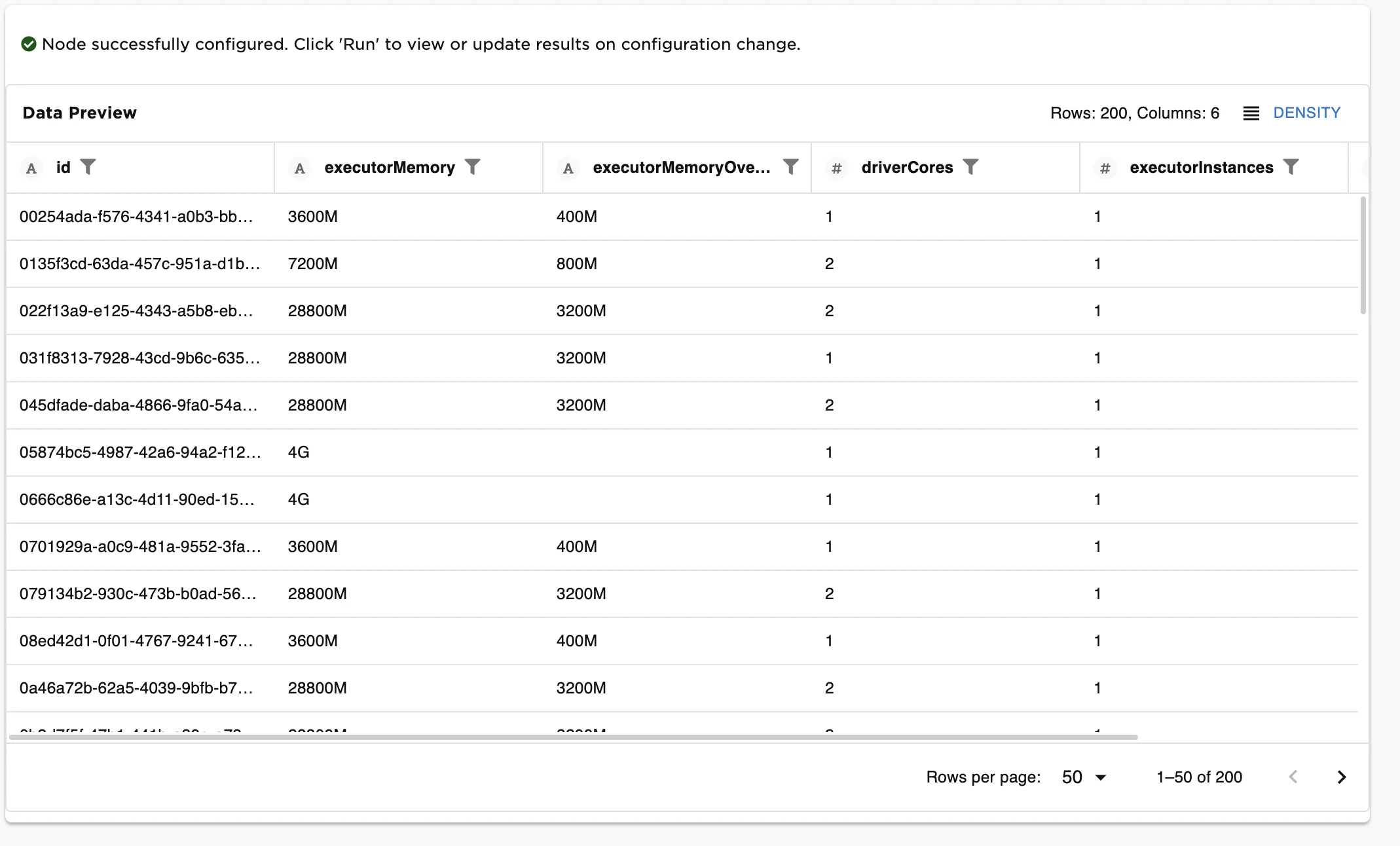
Figure 7: Fetch node results with additional fields
Users may use "dot notation" to include additional data about each object. This may be thought of as performing a join and combining tables. In this example, the account associated with customer usage data is included in the fetch by adding the parent.account.name field in the Fetch node
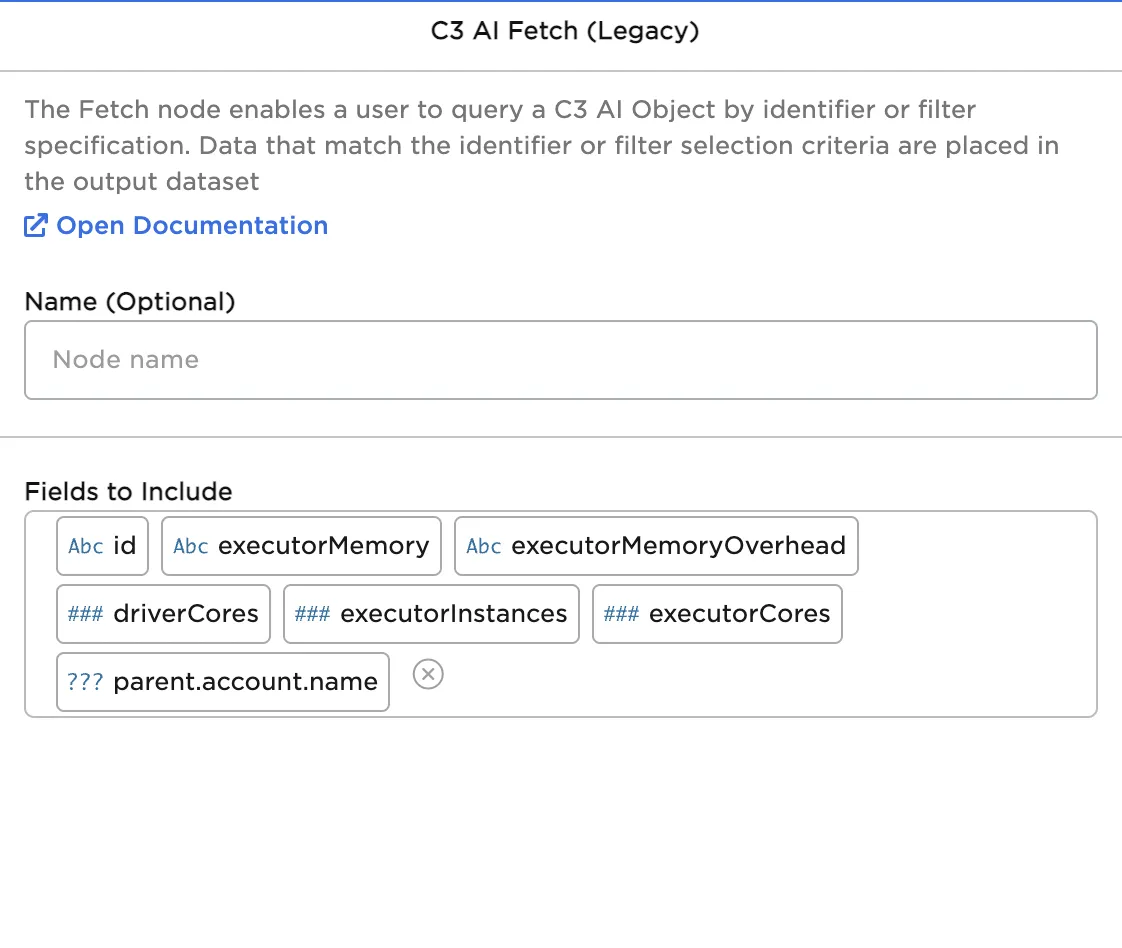
Figure 8: Fetch node configuration with dot notation
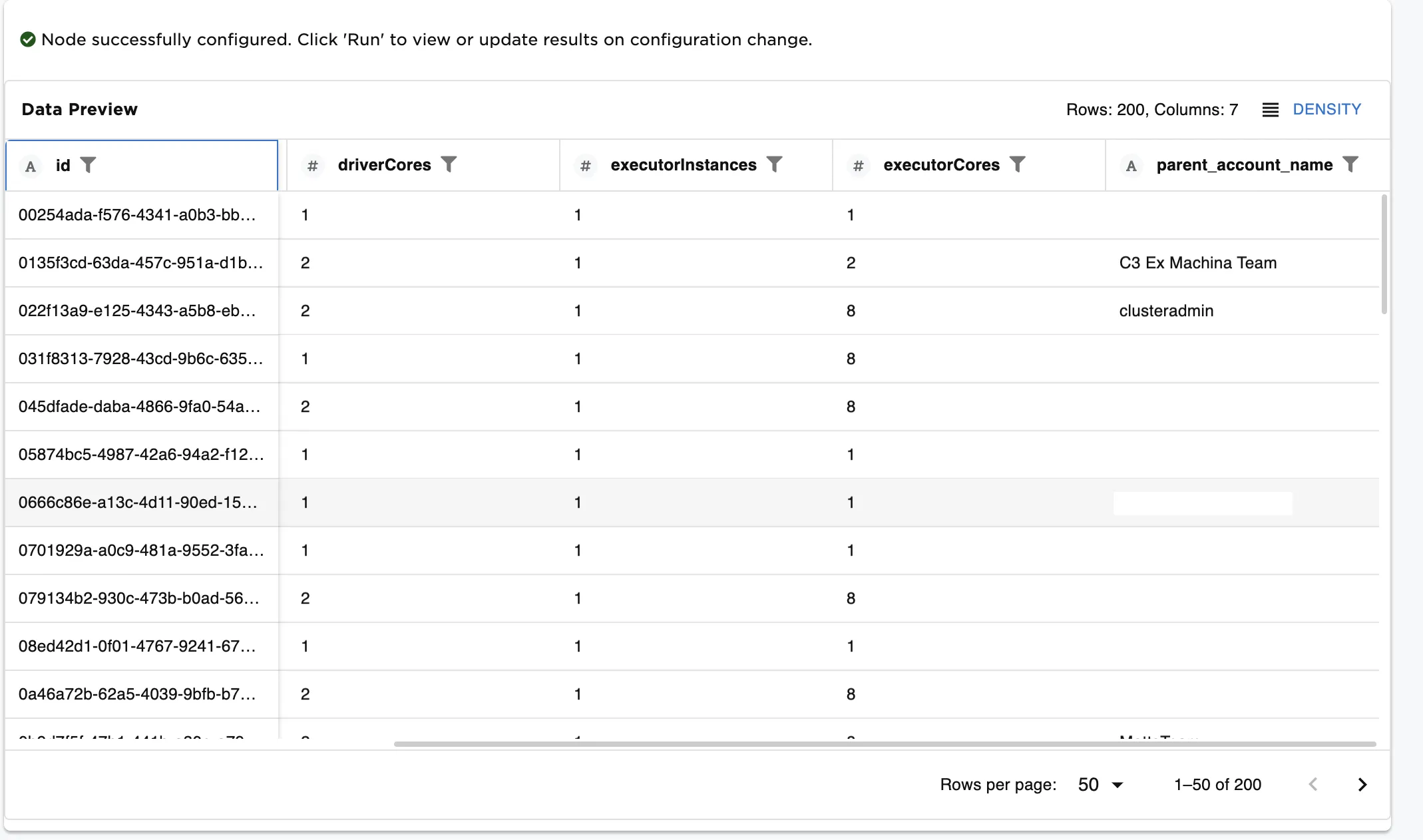
Figure 9: Fetch node results with additional fields from other types
Reach out to the C3 AI team for more information on the C3 AI Application Data Model.