Preview Your UI to See Changes
You implement the backend and frontend logic using the C3 AI Platform domain-specific language. The platform takes your application source, validates it, and generates a runnable application that can be previewed in a browser. This process converts UI definitions into standard React code, generating HTML, JavaScript, and CSS files to ensure the application functions as expected.
Before proceeding, complete Add a UI Component to Your Page.
Start an application
- In VS Code C3 Extension, right-click your package folder from the package tree.
- Select Start Application.
Preview the UI
To create a fully operational page, the C3 AI Platform processes your UI configurations into executable code. This process, referred to as "bundling," compiles the source code, generates a standard React application, and serves it so you can access it from the browser.
In VS Code, right-click the package and select Start UI Bundling.
For more details, see VSCE Features.
Preview the application
After processing the UI configurations, preview the application in a browser.
Navigate to:
https://localhost:{portNumber}/The system assigns a random port number for each bundling process. Check the C3 AI VSCE notification or logs in the output tab to find the assigned port number.
Check the C3 AI VSCE notification or logs in the output tab to find the assigned port number.
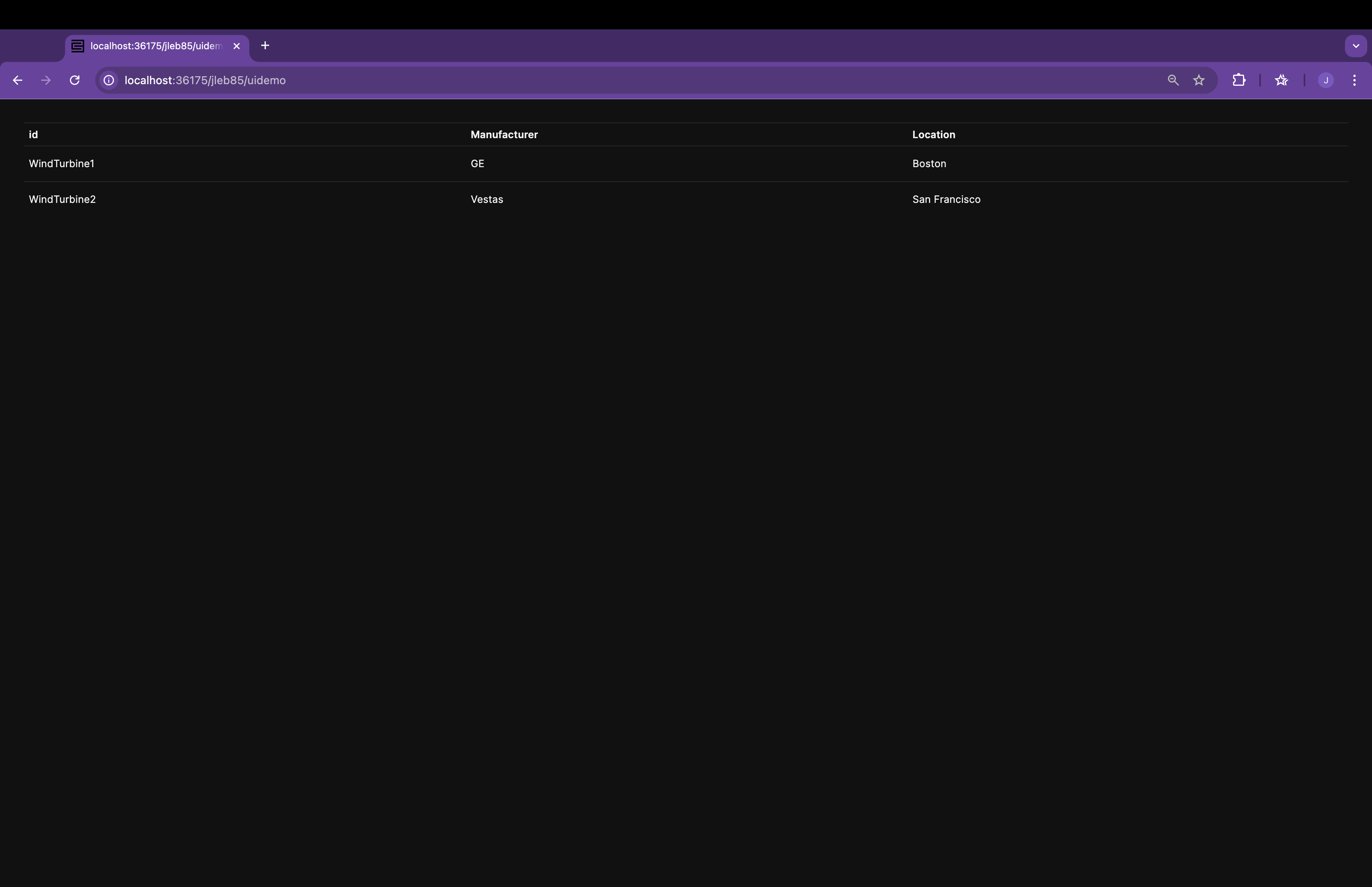
The port number is randomly assigned during the bundling process, and the correct port can be found in the C3 AI VSCE notifications or output logs.
Debugging and development
Use C3 AI VSCE to debug and improve development efficiency.
Troubleshoot metadata issues
- Open C3 AI: PACKAGE ISSUES.
- Save code to refresh the error list.
- Select error messages to navigate to the issue.
Enable debug mode:
Js.exec(`Pkg.Store.log().setLogLevel("DEBUG")`)Use the C3 AI Console for debugging
Access the C3 AI console to run specific commands that help identify and resolve issues within your application.
Verify if the WindTurbine type was created:
c3ShowType(WindTurbine)Fetch data from the WindTurbine database to check for existing records:
WindTurbine.fetch()Update the sample data by applying changes made to the provided data:
C3.Pkg.upsertAllSeed()