PCA
Fit a principal component analysis (PCA) model to your data. PCA is a popular dimensionality reduction technique used for analyzing large datasets containing a large number of features.
Configuration
| Field | Description |
|---|---|
| Name default=none | A user-specified node name displayed in the canvas, both on the node and in the dataframe as a tab. |
Training Features default=default | The columns to use in the PCA Select the columns you would like to use in the PCA. These are the columns that the PCA will represent in fewer dimensions. |
| Target number of dimensions Required | The target number of dimensions for the PCA Specify the target number of dimensions for the PCA. The columns selected above will be represented in this specifed number of dimensions. |
Node Inputs/Outputs
| Input | A Visual Notebooks dataframe (typically) |
|---|---|
| Output | A PCA model |
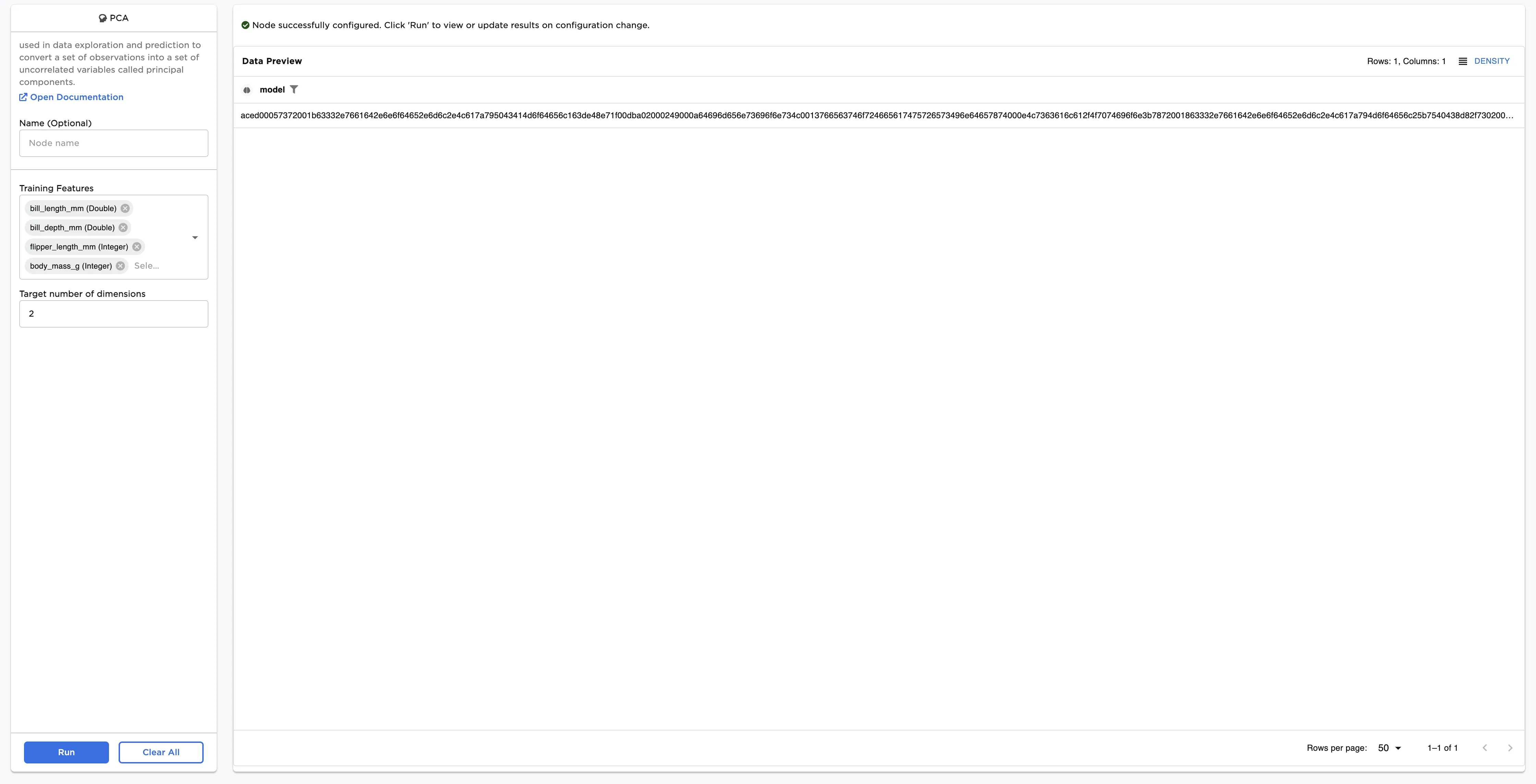
Figure 1: Example output
Examples
The dataframe shown below is used in this example. It contains data on four features of over 300 penguins. We would like to use PCA to reduce the number of dimensions from four to two.
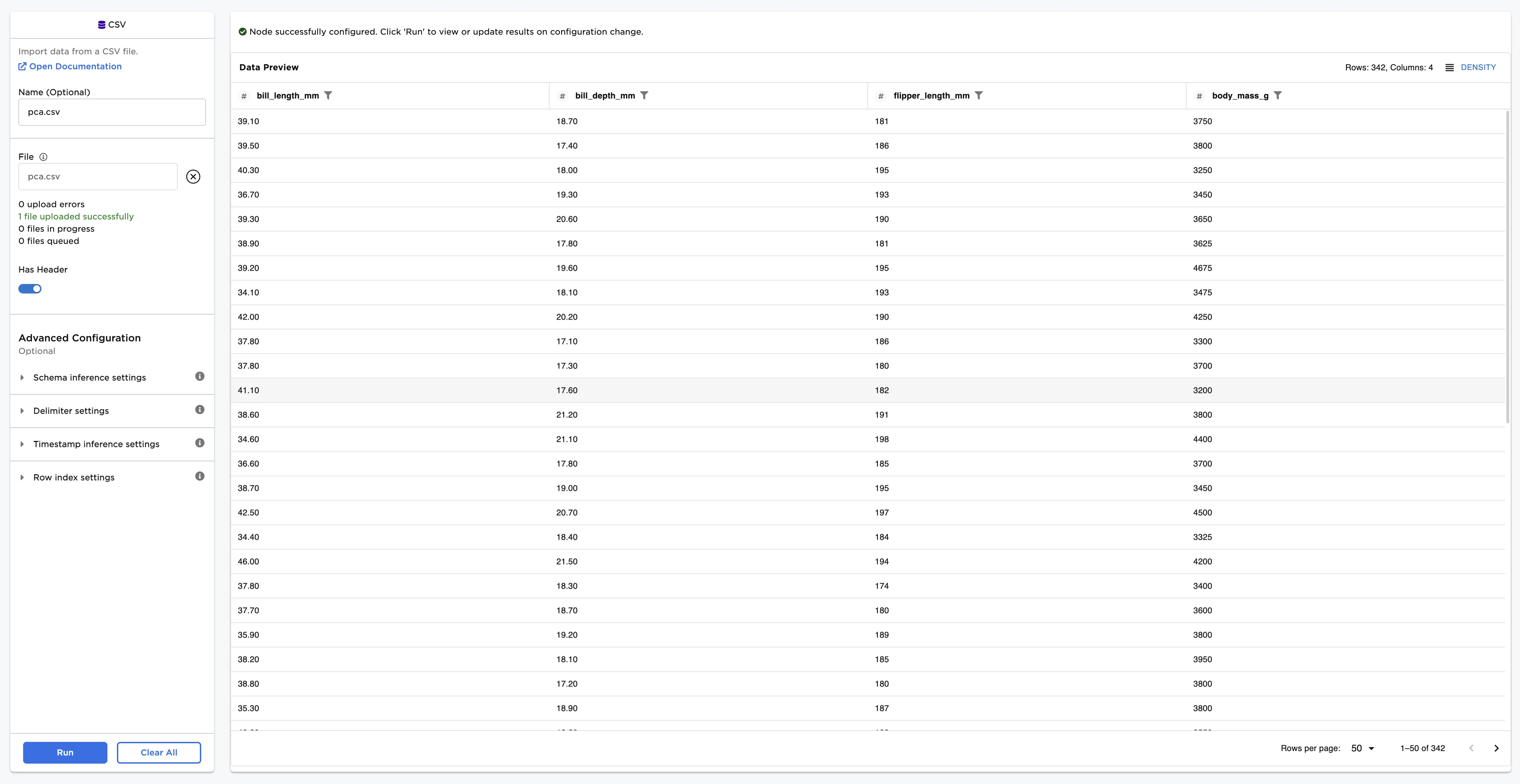
Figure 2: Example input data
- Connect the PCA node to an existing node
- Select bill_length_mm, bill_depth_mm, flipper_length_mm, and body_mass_g for the Training Features field.
- Input 2 for the Target number of dimensions field.
- Select Run to perform the PCA.
Now you have a trained PCA model that you can use with a PCA Transform node to reduce the number of dimensions from four to two.