PCA Transform
Transform your data to have a smaller number of dimensions using principal component analysis (PCA).
Configuration
| Field | Description |
|---|---|
| Name default=none | A user-specified node name displayed in the canvas |
Prediction Column Name default=PCA | The name of the transformed column Specify the name of the column that will contain the PCA-transformed version of the data. |
Node Inputs/Outputs
| Inputs | A Visual Notebooks dataframe and a PCA model |
|---|---|
| Output | A dataframe containing a new column with the PCA-transformed data |
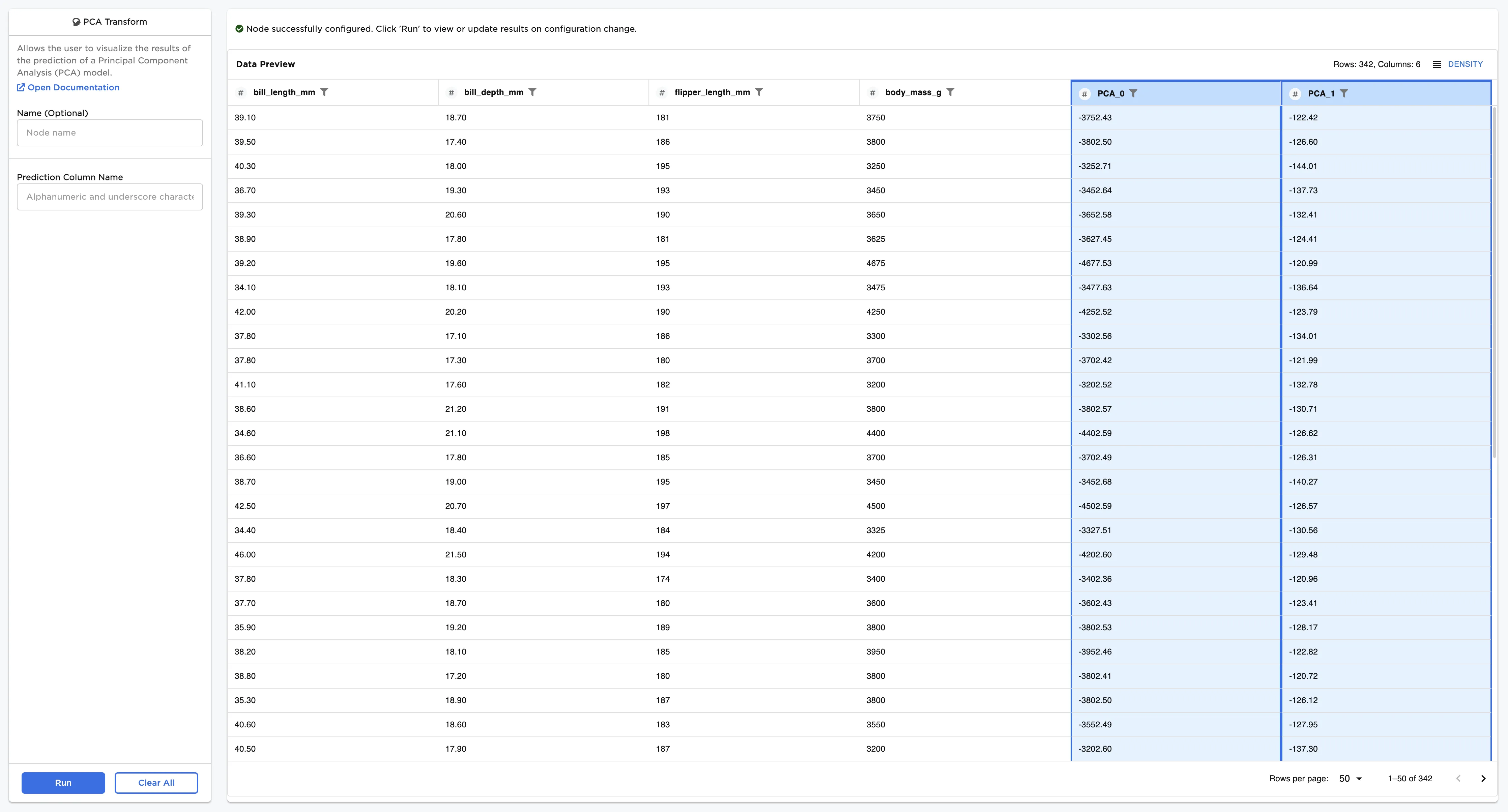
Figure 1: Example dataframe output
Examples
The dataframe shown below is used in this example. It contains data on four features of over 300 penguins. We would like to use PCA to reduce the number of dimensions from four to two.
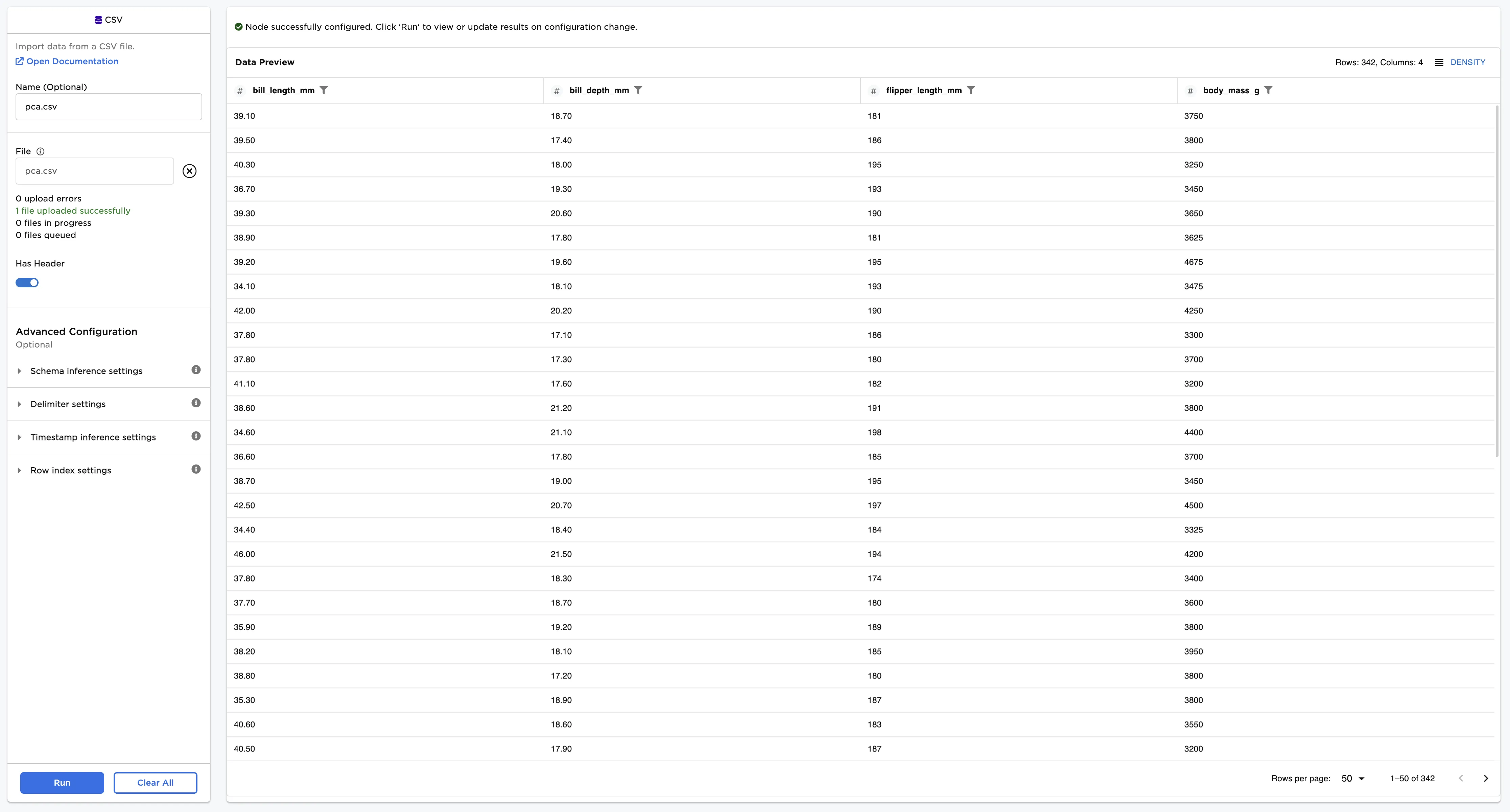
Figure 2: Example input data
- Connect the PCA Transform node to your data and a trained PCA node.
- Select Run.
There are now additional columns highlighted in blue in the dataframe containing the PCA values.
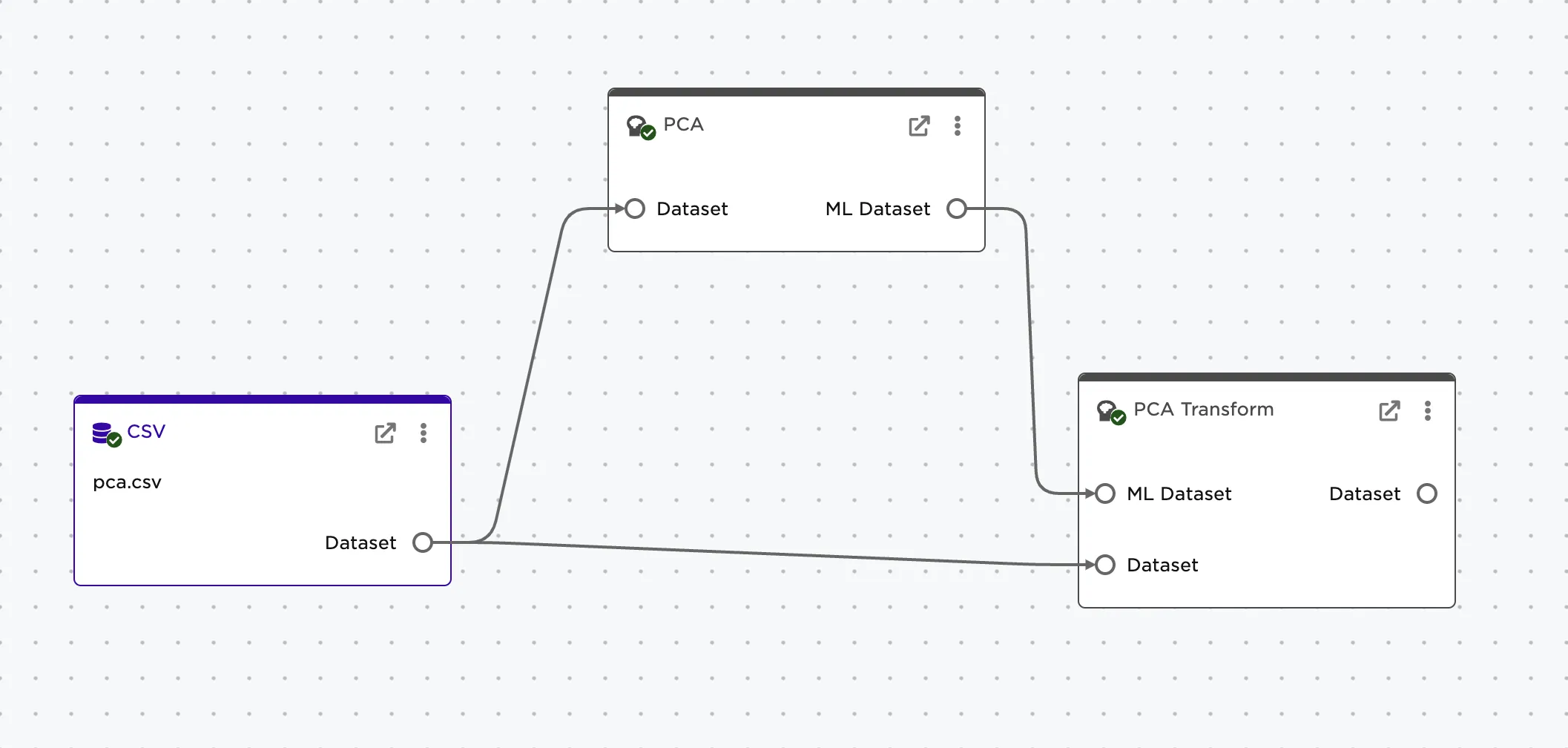
Figure 3: Node connection examples
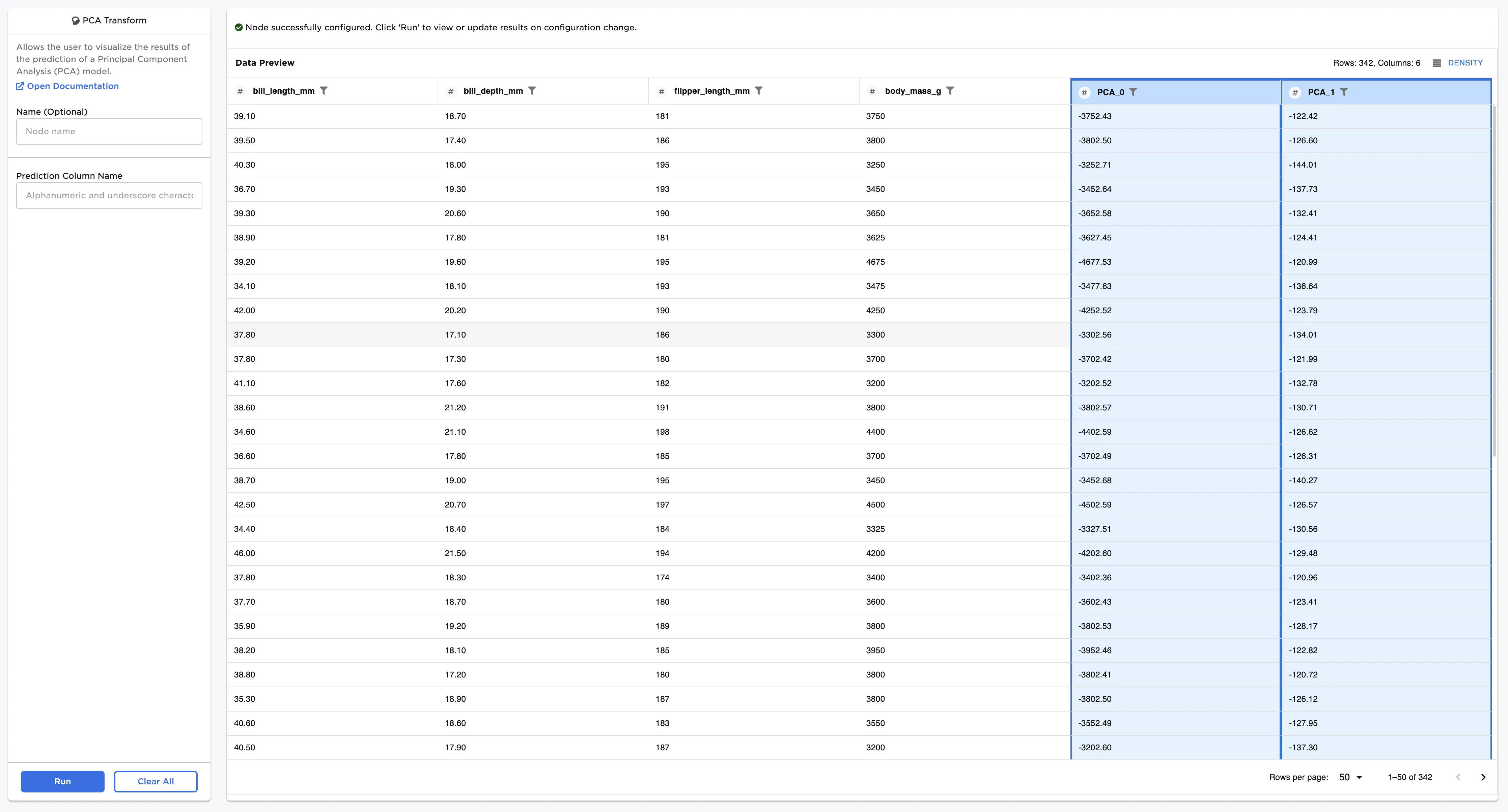
Figure 4: Example dataframe with default settings