Disable or Enable Generating Builds and Test for a Specific Branch in C3 AI Release Management
There are two main ways to disable generating builds and tests.
The first way:
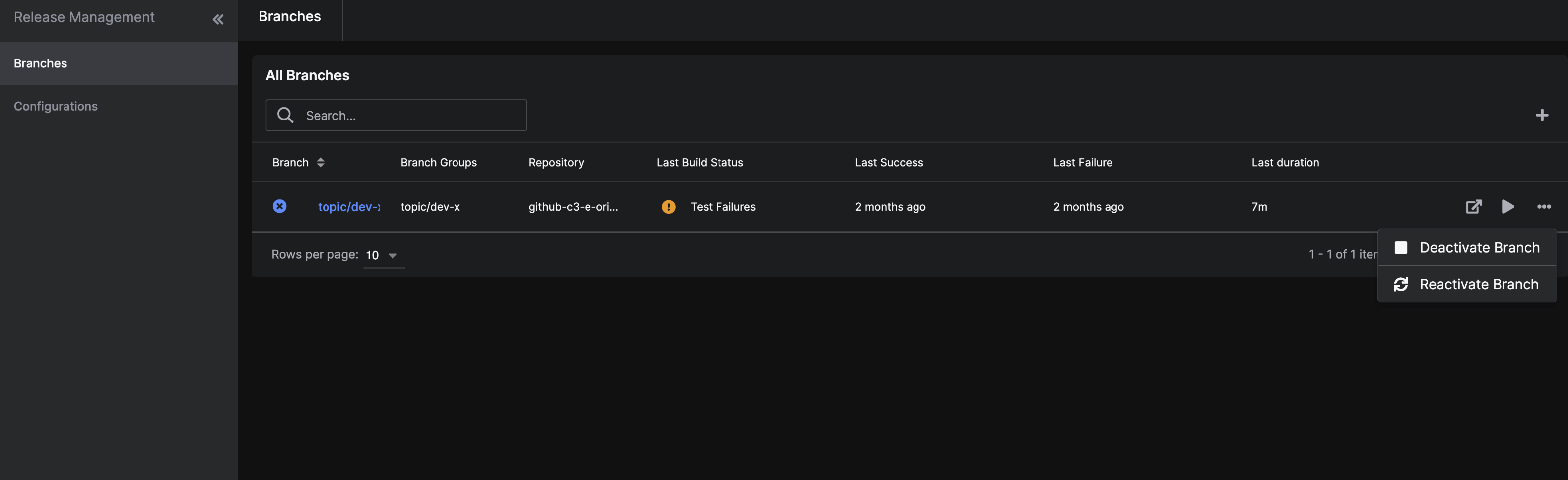
Select Releases and then Branches on the left sidebar of C3 AI Studio.
Hover over the branch and select the ellipses (...).
Select Deactivate Branch or Reactivate Branch to stop or enable the process for build.
The second way:
- Select Releases and then Branches on the left sidebar of C3 AI Studio.
- Select the name of the desired branch to be redirected to that specific branch page.
- Select the ellipse near the name of the branch.
- Select Deactivate Branch or Reactivate Branch to stop or enable the process for build.