Deep Research Agent
The Deep Research Agent is a specialized Dynamic Agent that performs research-intensive tasks to generate structured, comprehensive responses for complex user queries. Unlike the Canvas Agent which comes pre-deployed, the Deep Research Agent requires explicit deployment in your application.
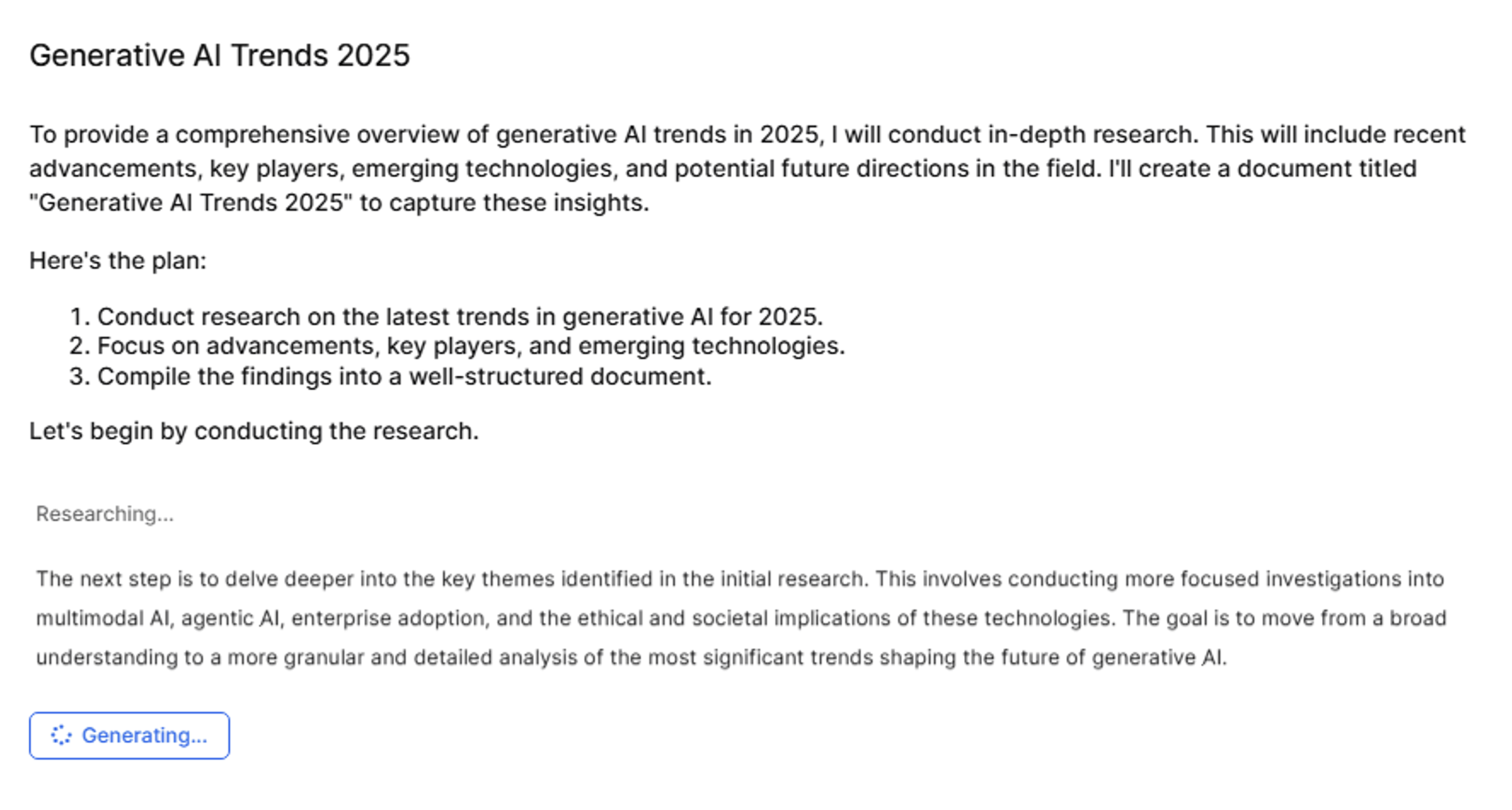
The agent is optimized for long-running, multi-source analysis. While it processes a query, the agent displays its reasoning steps and intermediate thoughts in the UI.
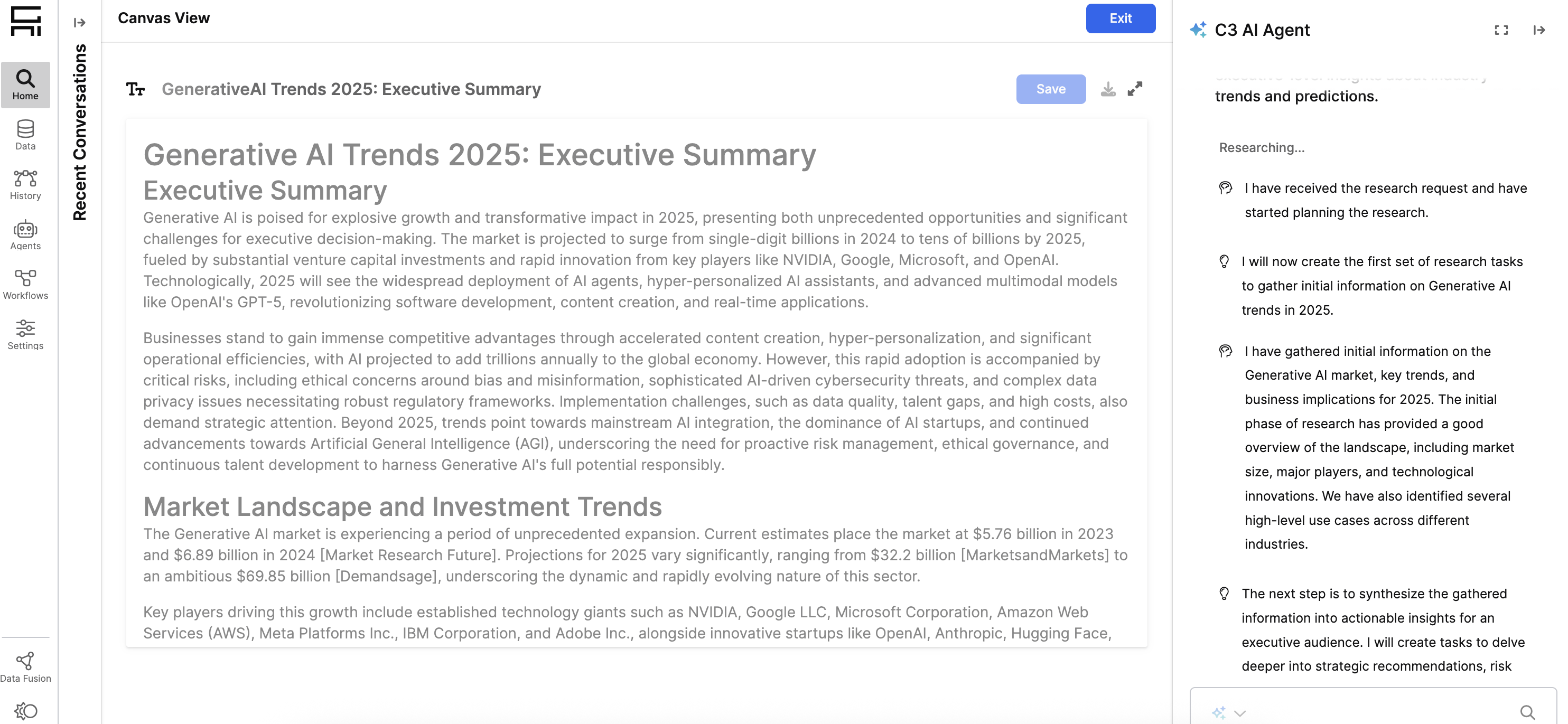
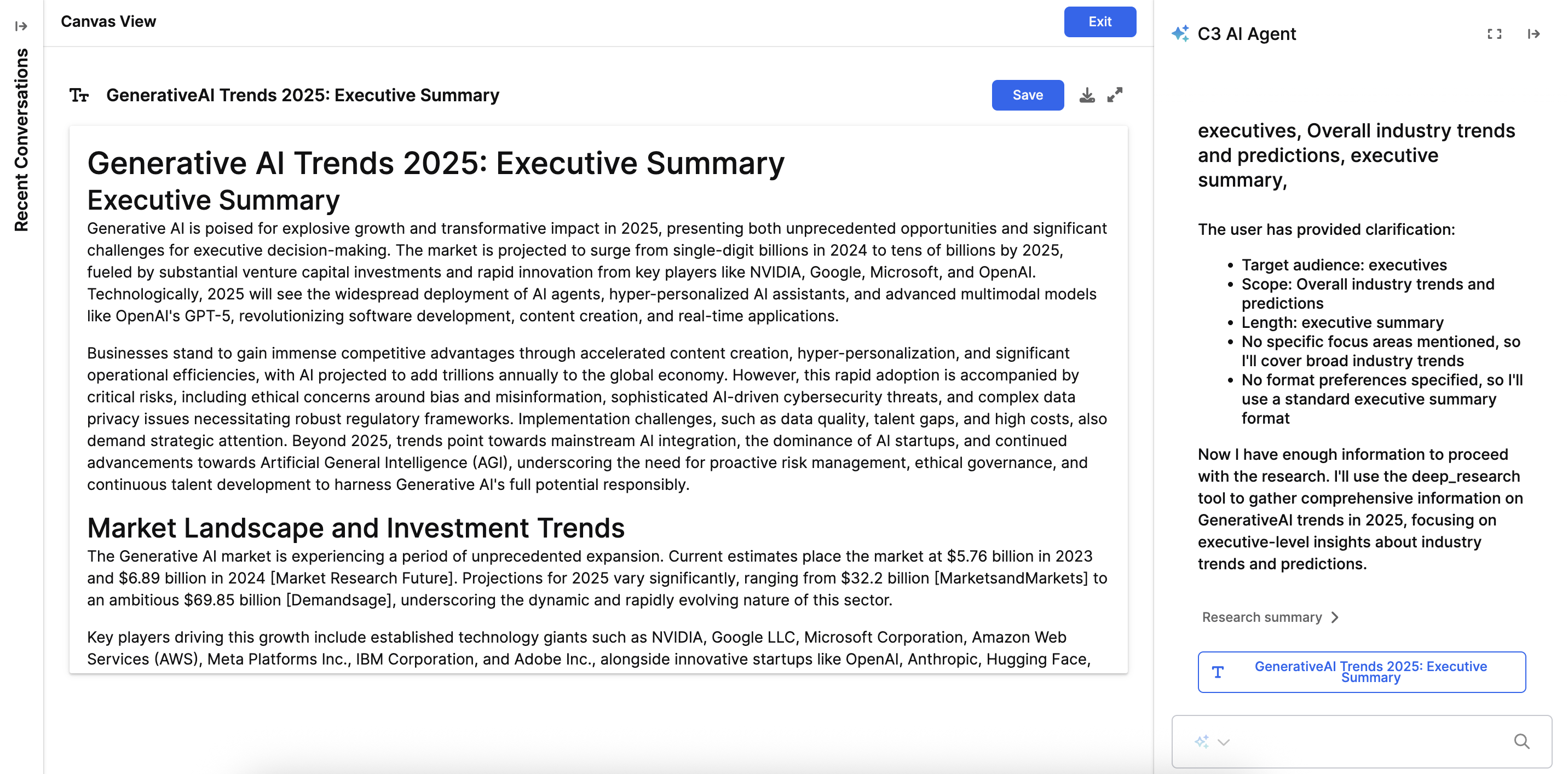
After completion, the output is presented as a document in a rich text editor. You can view, edit, and refine this document using the text editor or by using prompts through the agent.
Research may take several minutes depending on your query. You can monitor progress in the UI as the agent performs its research tasks.
Deep Research Agent setup
Deploy the Deep Research Agent by running:
Genai.QuickStart.deployCoreAgents(['dynamic_canvas_deep_research']);After deployment, you can access the Deep Research Agent configuration in your Application C3 AI Console by running:
Genai.Agent.Dynamic.Config.forConfigKey('CanvasAgent_deep_research');This agent comes with the following default tools:
- Deep Research Tool – Executes iterative research across structured and unstructured sources.
- Document management tools – Enable creation, update, and refinement of research outputs.
Toolkit and tools
The Deep Research Agent uses the canvas_agent_deep_research_toolkit with the following tools:
| Tool Name | Purpose | Key Capabilities |
|---|---|---|
| Deep Research Tool | Executes iterative research across structured and unstructured sources | Multi-agent system with Research Lead, Researchers, Research Critics (max 6 cycles), Document Lead, Document Writer, and Document Critics (max 4 cycles). Supports context-driven and document-plan enforced modes. Maximum 4 parallel research tasks. |
| Document Creation Tool | Creates new documents on canvas | Generates research outputs, reports, or structured documents with filename, title, description, and content. |
| Document Update Metadata Tool | Updates document title and description | Refines document properties after research completion without changing content. |
| Document Update Content Tool | Replaces entire document content | Supports major revisions to research outputs. |
| Document Replace Content Tool | Replaces specific substrings in document | Enables targeted edits and corrections to research documents. |
Multi-agent research architecture
The Deep Research Tool operates as a coordinated multi-agent system:
| Agent Role | Responsibility |
|---|---|
| Research Lead | Coordinates research strategy and assigns tasks (Gemini 2.5 Pro) |
| Researcher(s) | Execute research tasks with access to web search (Gemini 2.5 Flash) |
| Research Critics | Review research completeness through multiple iterations (max 6 cycles) |
| Document Lead | Coordinates document generation strategy (Gemini 2.5 Pro) |
| Document Writer | Writes document sections based on research findings (Gemini 2.5 Pro) |
| Document Critics | Review document quality through multiple iterations (max 4 cycles) |
Researcher toolkit
Researchers within the Deep Research Tool use the deep_research_default_researcher_toolkit, which includes:
| Tool Name | Purpose | Key Capabilities |
|---|---|---|
| Deep Web Search Tool | Performs web search with AI answer generation | Uses gpt-4o-mini-search-preview-2025-03-11 model to extend research beyond internal data sources. |
Research process workflow
The research process follows these steps:
- Research Planning: Research Lead analyzes query and breaks it into specific research tasks.
- Research Execution: Researchers execute tasks in parallel using available tools.
- Research Review: Research Critics evaluate completeness and request additional research if needed.
- Document Planning: Document Lead creates structure for presenting findings.
- Document Writing: Document Writer generates sections based on research findings.
- Document Review: Document Critics assess quality and coherence.
- Final Output: Refined document delivered in canvas editor.
Operational modes
| Mode | Description |
|---|---|
| Context-driven mode | Research scoped to information needs provided in context parameter |
| Document-plan enforced mode | Research guided by detailed outline or template provided in doc_plan parameter |
Custom tools for Deep Research Agent
The default deep research agent toolkit includes only a web search tool by default. You can extend the agent's capabilities with user-defined tools. Follow the process in Create Custom Tools.
For these tools, you can also specify custom outputs to enable the UI to render custom resources. See Step-by-step: Build a custom resource for more information.
Create and modify the Deep Research Agent
The Deep Research Agent is available in the Store section of the Agent Gallery. Store agents cannot be edited directly. To duplicate and modify the Deep Research Agent configuration, toolsets, or prompts see Agent Workbench Documentation and Create Agents from Scratch.
See also
To customize how the Deep Research Agent interacts with users and other agents, see: