Set the Support Inbox
You administer C3 Code and want the support requests your users send to reach the right team. The Support inbox sets one email address, and every message a user sends from Contact support goes to it. Open the Settings page, enter the address, and save. The Contact support form asks users for only a subject, a message, and attachments, and C3 Code sends each message to this address.
Opening the Admin section needs administrator access.
Set the support email address
The Support inbox card on the Settings page holds the address that receives every support request:
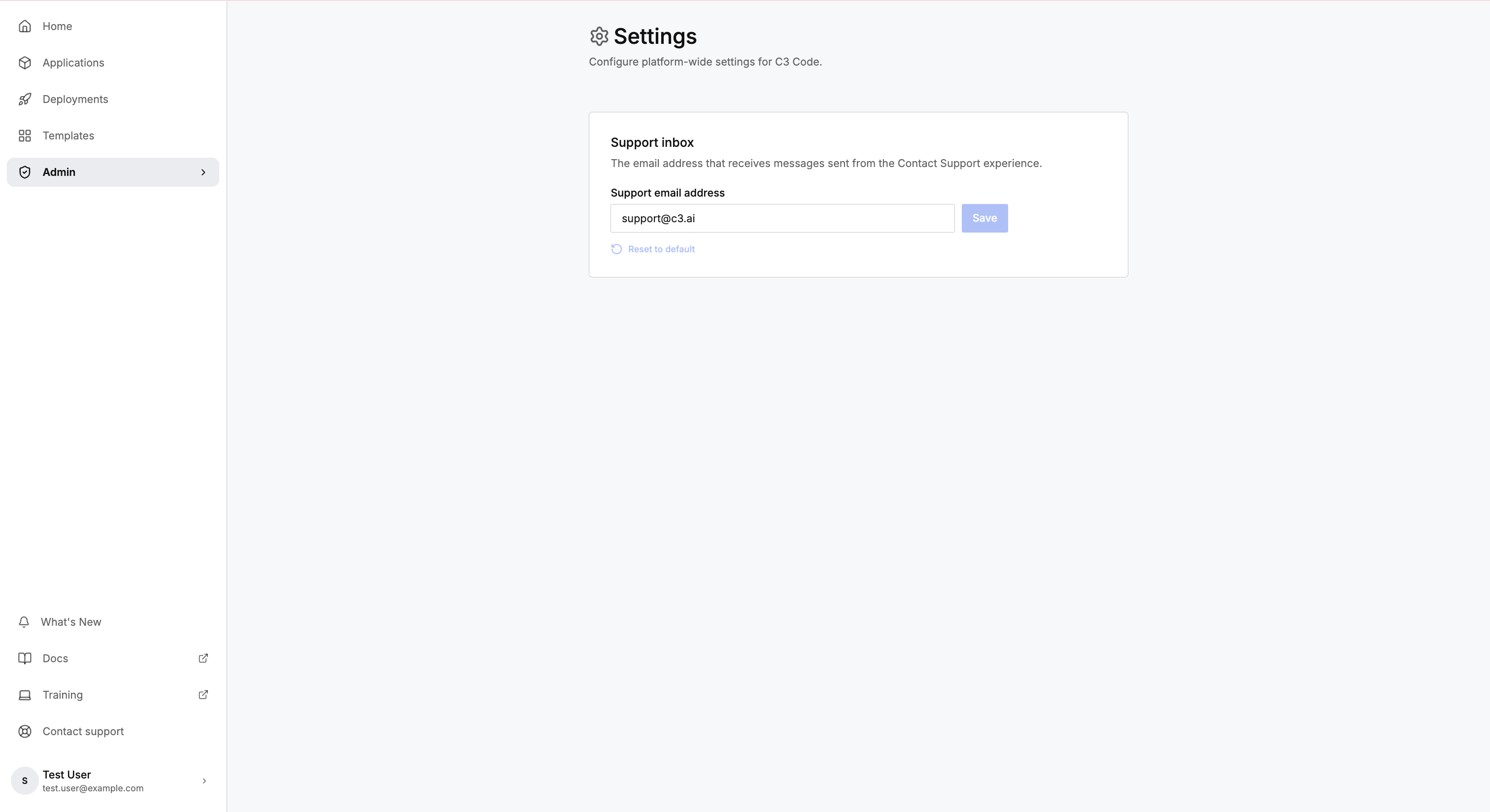
- Open Admin, then select Settings.
- Enter the destination address in Support email address.
- Select Save.
Select Reset to default to restore the default address, support@c3.ai.