Introduction to C3 AI Studio
C3 AI Studio is a graphical workspace within the C3 Agentic AI Platform for building, testing, and deploying applications. It includes tools for application developers, data engineers, data scientists, and administrators. These tools support collaboration in developing, testing, releasing, and managing enterprise AI applications.
Application development and deployment
The application development and release management tools in C3 AI Studio support the creation of environments and applications, resource management, and development. The C3 Agentic AI Platform initializes applications efficiently to reduce resource use during deployment.
Environment and application creation
Use C3 AI Studio to set up the workspace, resources, and dependencies needed to build and deploy C3 AI applications. Create environments and applications without writing code or entering console commands.
To get started, see:
Managed JupyterLab service
C3 AI Studio includes a C3 AI managed JupyterLab service with the following features:
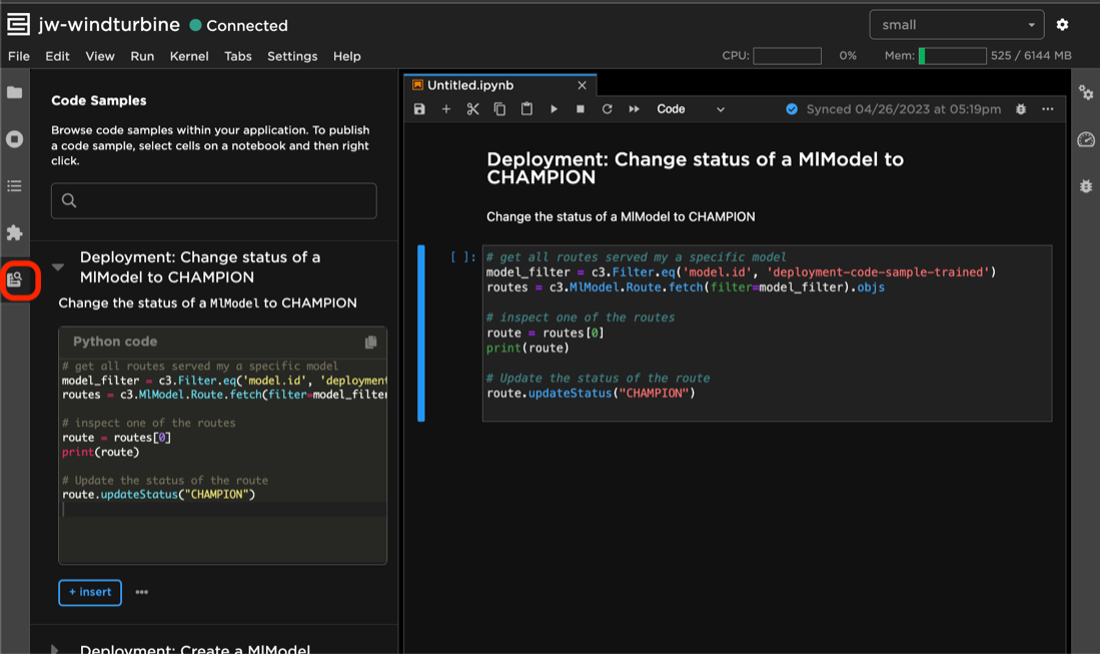
Code Samples extension: The C3 AI Code Samples extension in JupyterLab allows you to insert pre-written blocks of Python into your notebooks. Code is provided for a variety of commonly used code patterns and functions: author new samples by right-clicking cells in the notebook. To get the latest code samples, include the tutorials package as an application dependency.
Configurable Idle-timeout duration: By default, the system stops idle kernels after 24 hours. If there are no running kernels, it stops the Jupyter instance after 15 minutes to free compute resources. Restarting your Jupyter instance after idle-timeout is automatic. To open it, append
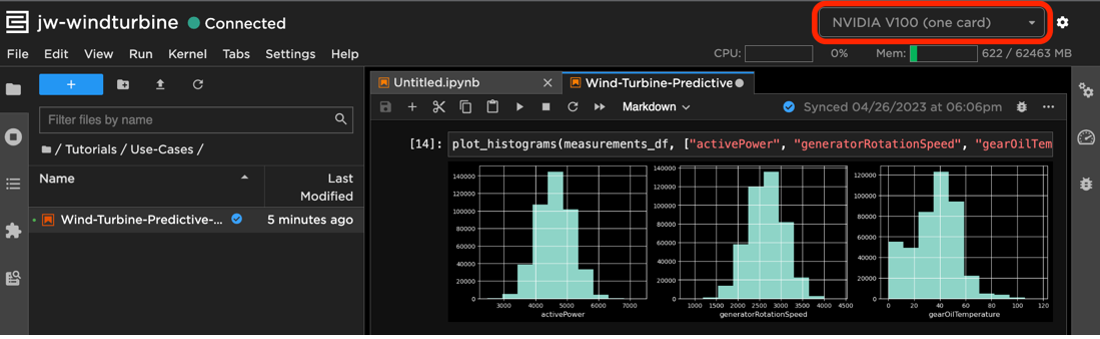
/jupyterto your application's web address, or use the Jupyter option in the application menu in C3 AI Studio.Support for JupyterLab running on GPU instances: When a GPU node pool and ResourceProfile are enabled by your operations team, you can select the GPU configuration using the resource configuration dropdown menu.
You can launch a Jupyter instance either from an application overview page or an application card on your C3 AI Studio home page. Select the Jupyter logo to access the instance.
Release management
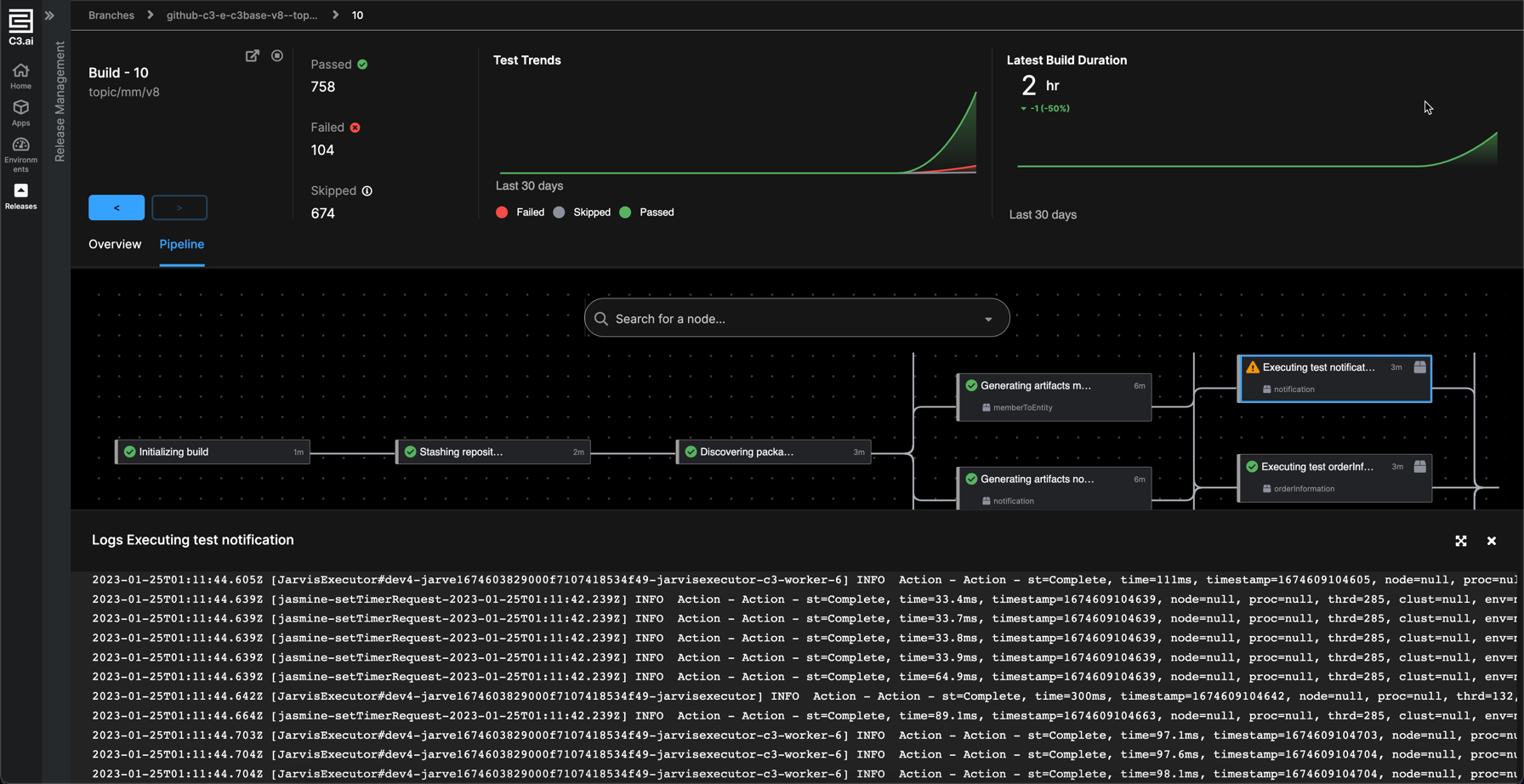
C3 AI Release Management is a native continuous integration tool within C3 AI Studio. It is an integrated environment that you can use to manage branches, configure CI triggers, visualize CI pipelines and errors, and analyze build artifacts and test metrics across applications.
Access release management features by selecting Releases in the navigation panel. To connect a source repository to C3 AI Studio, see C3 AI Studio Branch Configuration. For additional information, see Release Management.
Data pipeline management
The following tools are available for loading and managing data in your C3 AI application.
Data fusion
Data Fusion is in Beta. Please contact your C3 AI representative to enable this feature.
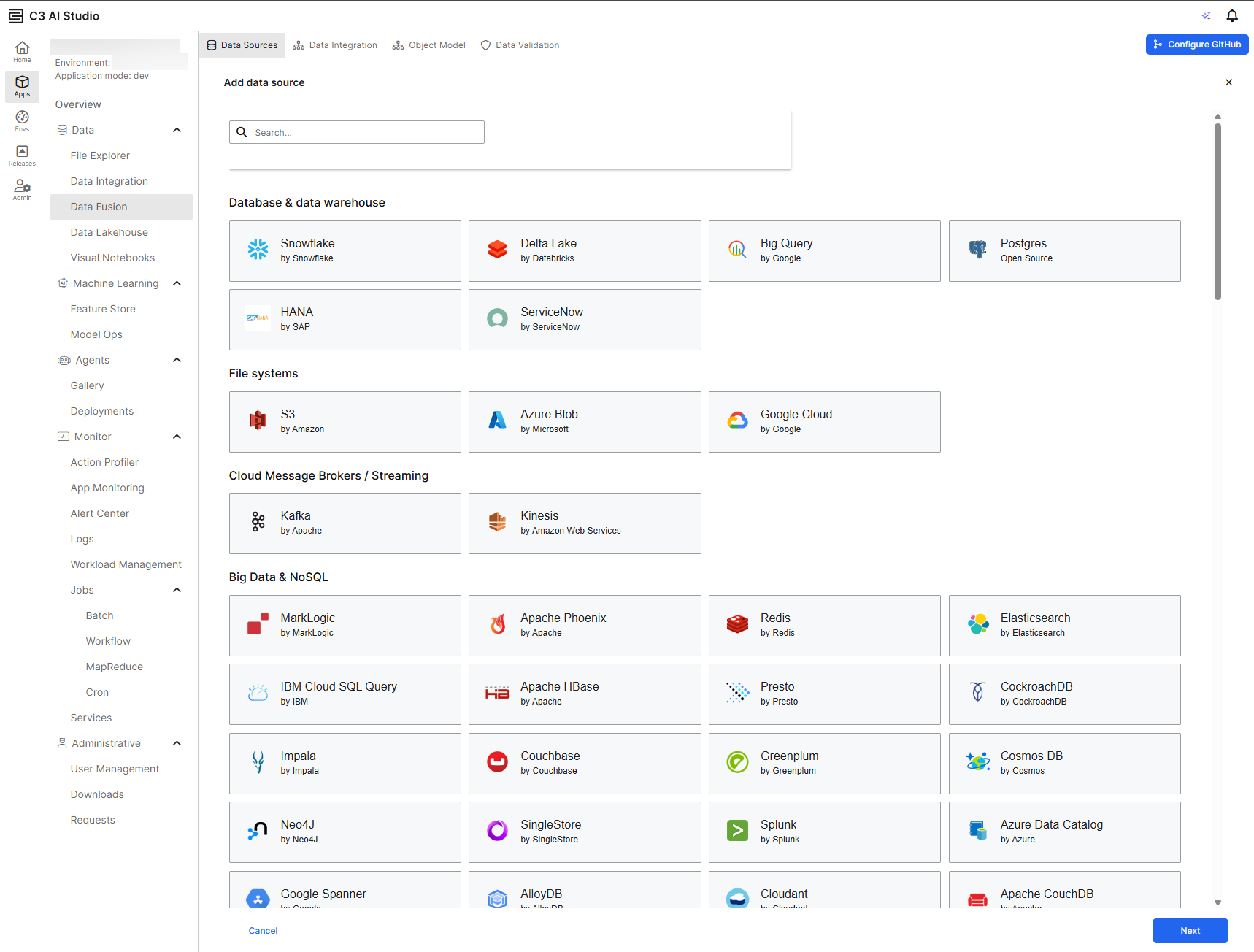
Data Fusion in C3 AI Studio provides a visual environment for exploring application data pipelines and models. Teams with varying development expertise can collaborate on application design without working directly with source code. With Data Fusion, you can see how data flows through an application and how the underlying model represents it.
Access Data Fusion by selecting Data Fusion in your application sidebar. To learn more, see Data Fusion Overview.
Data integration and storage
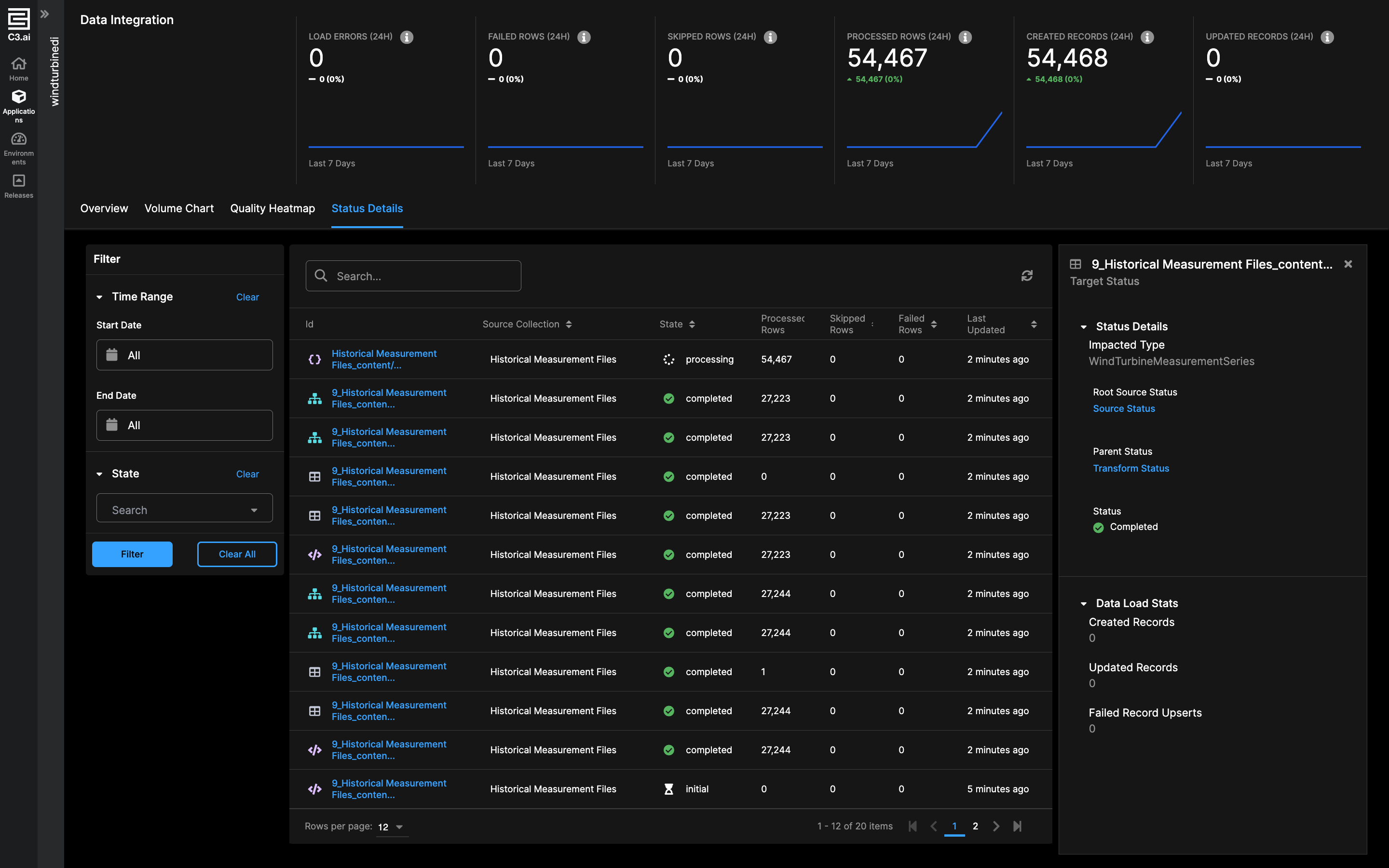
Data Integration in C3 AI Studio centralizes data ingestion and monitors its movement through pipelines. Teams can see data load activity, current status, and historical trends across development and production environments.
Access Data Integration by selecting Data Integration in your application sidebar. To learn more, visit The Data Integration Interface in C3 AI Studio
Data lakehouse
With C3 AI Data Lakehouse, you can store and interact with large quantities of raw data at low cost. C3 AI Studio provides an interface to review, approve, and reject requests for sharing or downloading data.
Access Data Lakehouse by selecting Data Lakehouse in your application sidebar. To learn more, see Data Lakehouse in C3 AI Studio. For information on managing data sharing requests, see C3 AI Studio Admin App Requests.
Visual notebooks
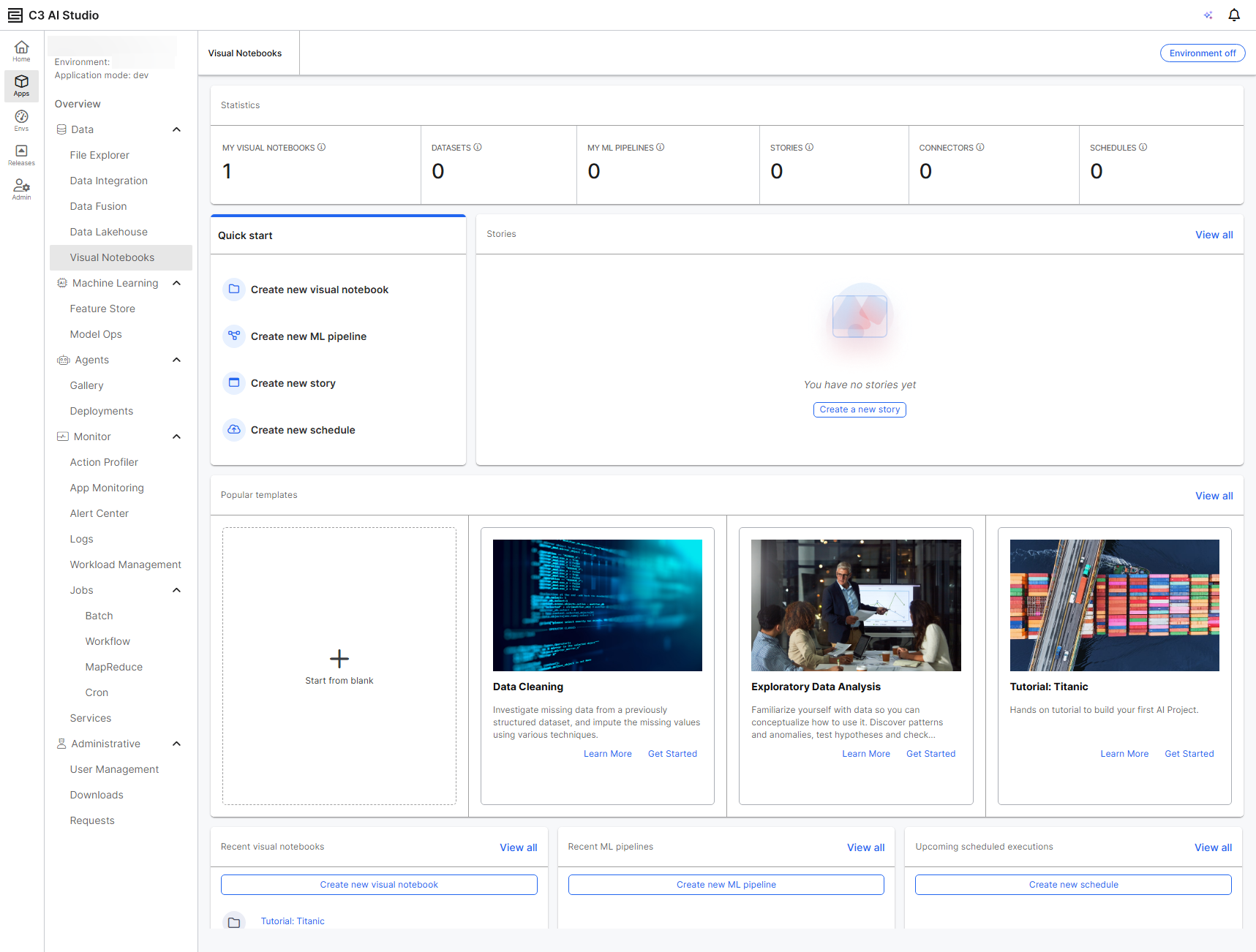
Visual Notebooks is an analytics tool with a drag-and-drop interface for loading, exploring, and analyzing data. You can load data from multiple sources, explore and prep that data, train machine learning (ML) models, visualize predictions, and share your insights with others on your team.
Access Visual Notebooks by selecting Visual Notebooks in your application sidebar. To learn more, see Visual Notebooks Product Overview
AI and machine learning
C3 AI Studio includes the following tools for training machine learning models or building agentic AI.
Generative AI agents
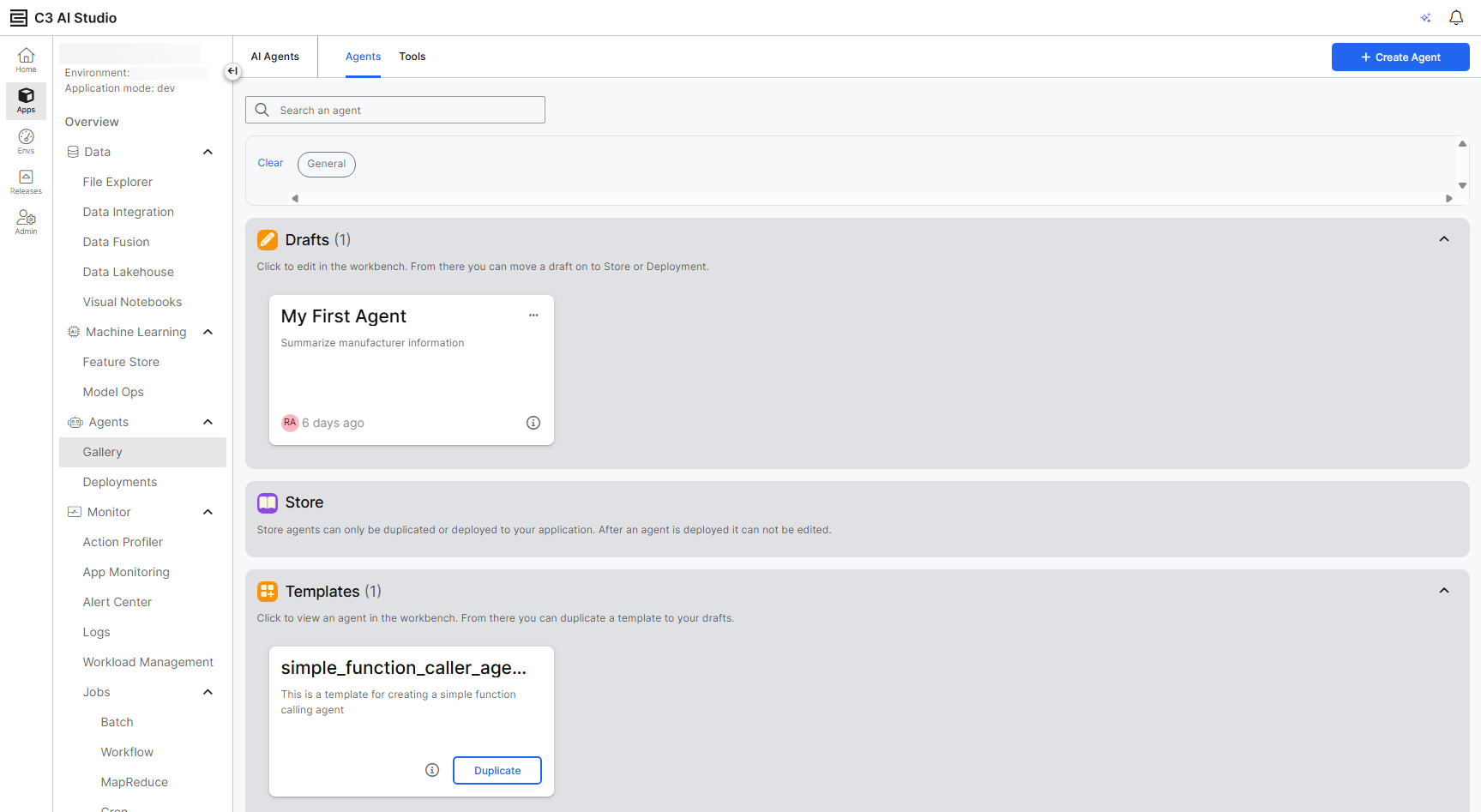
C3 AI Studio contains tools for building, managing, and deploying AI agents in your application. To learn more, see the Agent Gallery in C3 AI Studio.
Feature store
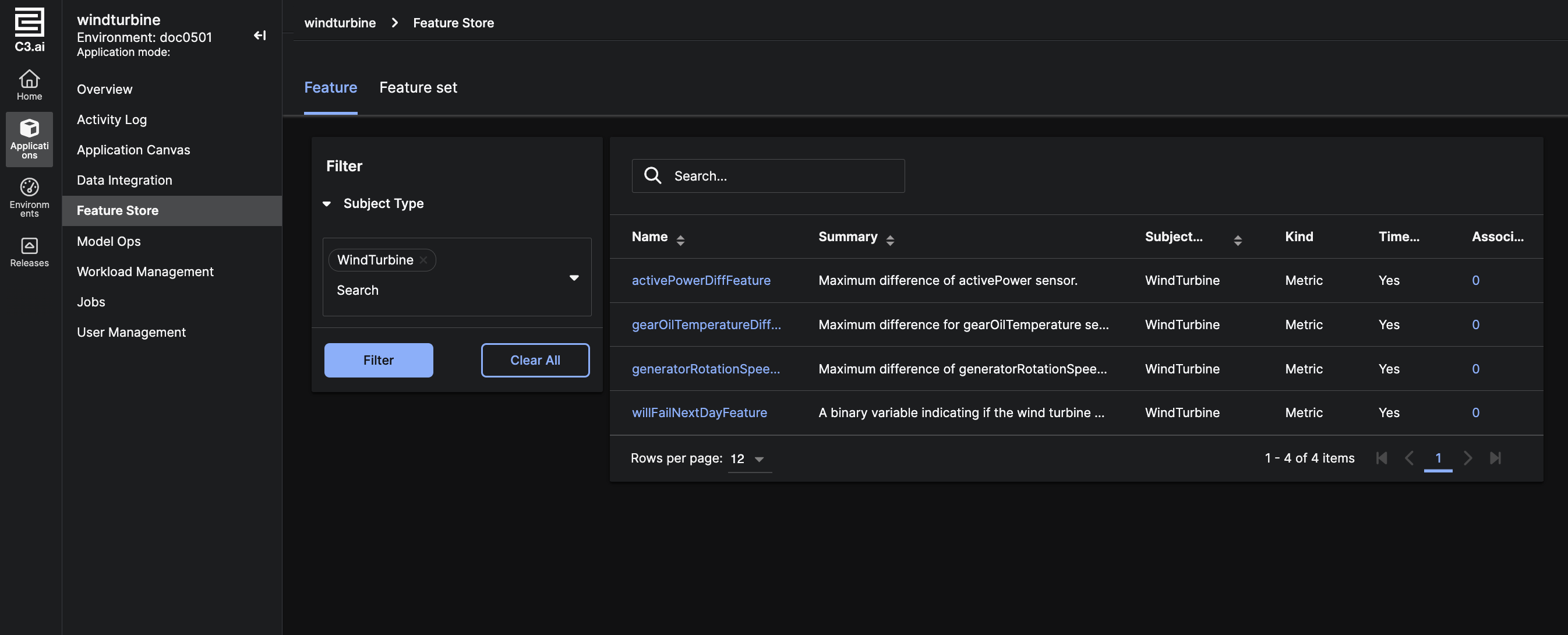
C3 AI Feature Store allows you to view and interact with features and feature sets available in your application. A feature is a measurable metric or attribute from a subject Type.
Access Feature Store by selecting Feature Store in your application sidebar. To learn more about the Feature Store in C3 AI Studio, see Feature Store. For more information on the Type system, see C3 AI Type System.
Model operations
Model Operations (Model Ops) in C3 AI Studio streamlines how you manage and deploy models at scale. It supports applications running from a single model to millions, providing tools to track, deploy, and govern models throughout their lifecycle. By centralizing discovery, deployment, and operational oversight, Model Ops enables teams to share models, compare performance, and maintain reliable production workflows.
Access Model Ops by selecting Model Ops in your application sidebar. To learn more, visit C3 AI Studio Model Ops
Resource management
Start, stop, upgrade, or terminate resources directly from the C3 AI Studio interface.
Resource hibernation
Stop environments and applications to free compute resources when you are not using them. Stopping preserves the application's state and data so you can resume it later. Studio administrators can also configure and schedule automatic resource hibernation.
For more information on hibernation, see Environment and Application Hibernation in C3 AI Studio. To learn more about managing existing environments and applications, visit Monitor Environments and Applications.
If your application does not respond, you may not be able to terminate it normally. You may need to reach out to your administrator to force terminate your application. For more information on the C3.EnvAdmin role, see C3 Agentic AI Platform Built-in Roles.
Action profiler
Identify and diagnose code performance issues in your application. Search, profile, and analyze actions in the C3 AI Studio interface. To get started, see Analyze Code Using the Action Profiler